പഠനം ആരംഭിക്കുക
Perplexity അക്കാദമി
പുതിയ ഉപയോക്താക്കൾ, പവർ ഉപയോക്താക്കൾ, അഡ്മിനുകൾ എന്നിവർക്കുള്ള Academy വീഡിയോകൾ.
വീഡിയോകളിലേക്ക് പോകുകഅക്കാദമി വീഡിയോകൾ
വേഗത്തിൽ ഗവേഷണം നടത്താനും, ആവർത്തന സ്വഭാവമുള്ള ജോലികൾ ഓട്ടോമേറ്റ് ചെയ്യാനും, കൃത്യവും ഉപയോഗിക്കാൻ എളുപ്പമുള്ളതുമായ AI ഉപയോഗിച്ച് ഡെക്കുകൾ മുതൽ വെബ്സൈറ്റുകൾ വരെ നിർമ്മിക്കാനും പഠിക്കുക.
 3 മിനിറ്റ്
Microsoft Teams-ൽ Perplexity Computer
Teams ചാനലുകളിൽ നിന്നും ഡയറക്ട് സന്ദേശങ്ങളിൽ നിന്നും Computer ടാസ്കുകൾ എങ്ങനെ പ്രവർത്തിപ്പിക്കാമെന്ന് കാണിക്കുന്നു.
ആരംഭിക്കുക3 മിനിറ്റ്Perplexity Computer in Microsoft Teams
Shows how to run Computer tasks from Teams channels and direct messages.
ആരംഭിക്കുക 3 മിനിറ്റ്
Computer അനലിറ്റിക്സ് എങ്ങനെ ഉപയോഗിക്കാം
നിങ്ങളുടെ ഓർഗനൈസേഷനിൽ Perplexity Computer എങ്ങനെ ഉപയോഗിക്കുന്നുവെന്ന് കാണാൻ പഠിക്കുക.
ആരംഭിക്കുക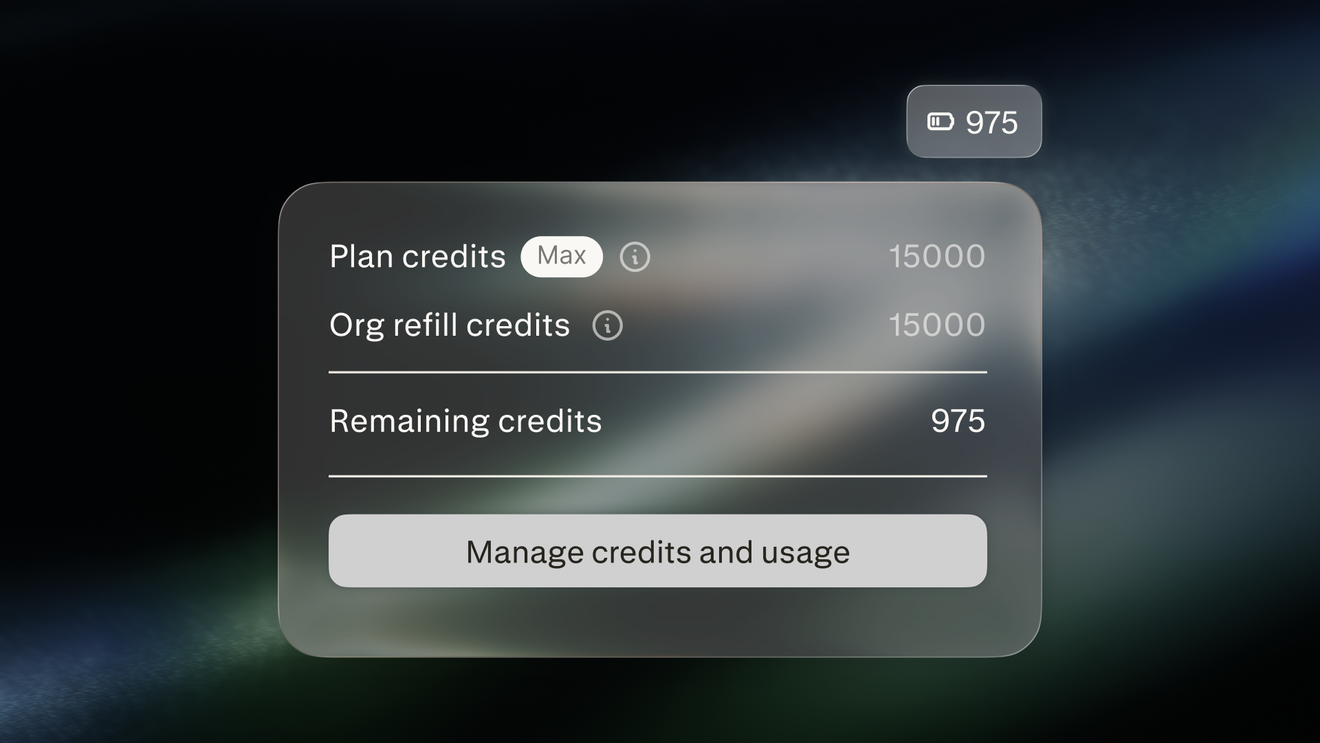 3 മിനിറ്റ്
Computer ക്രെഡിറ്റുകൾ കൈകാര്യം ചെയ്യുന്നു
Computer ക്രെഡിറ്റുകൾ ഒരു സ്ഥാപനത്തിനായി Computer ചെയ്യുന്ന ജോലികൾക്ക് എങ്ങനെ ഫണ്ട് നൽകുന്നുവെന്നും അഡ്മിനുകൾ അവ എങ്ങനെ കൈകാര്യം ചെയ്യുന്നുവെന്നും അറിയുക
ആരംഭിക്കുക 3 മിനിറ്റ്
Computer നൈപുണ്യങ്ങൾ എങ്ങനെ ഉപയോഗിക്കാം
ആവർത്തിച്ചുള്ള നിർദ്ദേശങ്ങളെ Computer സ്ഥിരമായി പിന്തുടരുന്ന പുനരുപയോഗിക്കാവുന്ന വർക്ക്ഫ്ലോകളാക്കി നൈപുണ്യങ്ങൾ എങ്ങനെ മാറ്റുന്നു എന്ന് ഇത് വിശദീകരിക്കുന്നു.
ആരംഭിക്കുക3 മിനിറ്റ്How to use Computer Skills
Explains how Skills turn repeat instructions into reusable workflows Computer follows consistently.
ആരംഭിക്കുക3 മിനിറ്റ്How to use Computer analytics
Learn how to view how Perplexity Computer is used across your org.
ആരംഭിക്കുക 3 മിനിറ്റ്
How to use Connectors
Shows how connectors give Computer access to your business tools and data.
ആരംഭിക്കുക3 മിനിറ്റ്Managing Computer credits
Learn how Computer credits fund the work Computer does for an organization and how admins manage them
ആരംഭിക്കുക 3 മിനിറ്റ്
Perplexity Computer in Slack
Shows how to run Computer tasks from Slack DMs, channels, and threads.
ആരംഭിക്കുക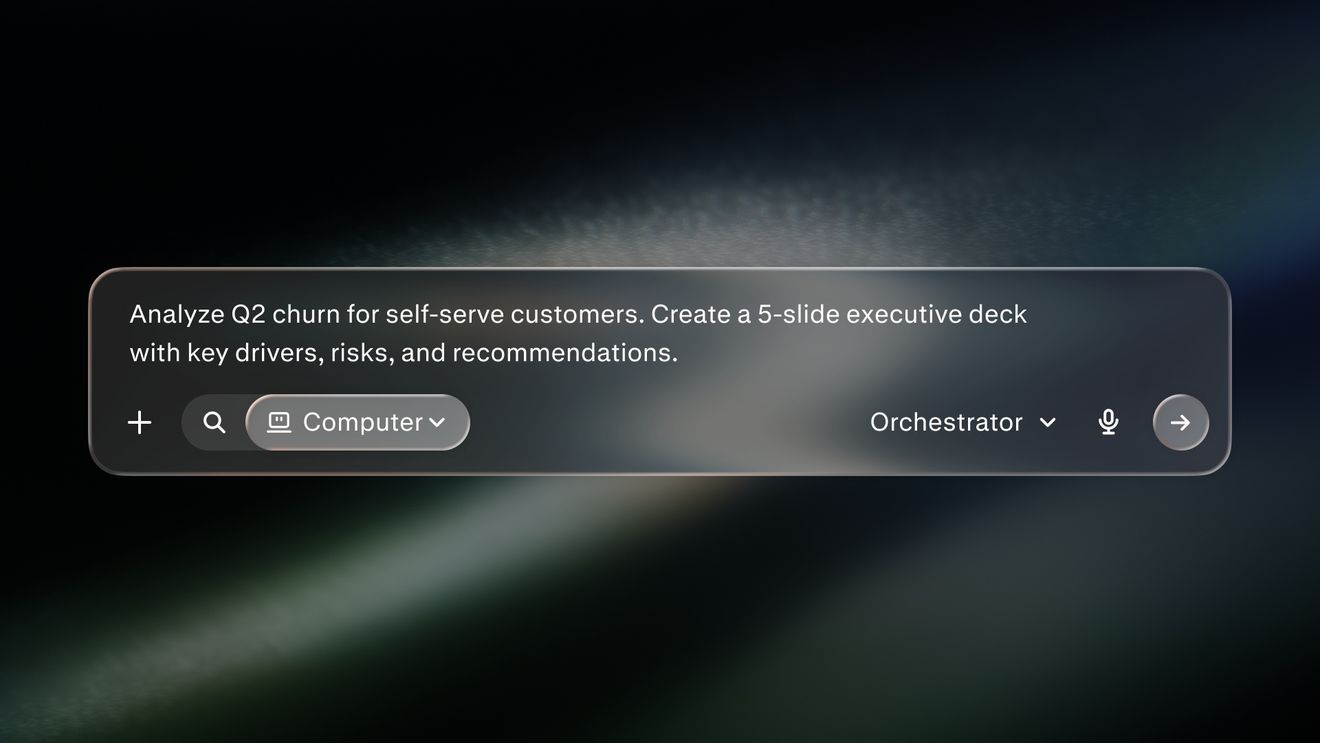 4 മിനിറ്റ്
Perplexity Computer query best practices
Shows how to write focused queries with clear task, context, and output.
ആരംഭിക്കുക4 മിനിറ്റ്Perplexity Computer query best practices
വ്യക്തമായ ടാസ്ക്, സന്ദർഭം, ഔട്ട്പുട്ട് എന്നിവ ഉപയോഗിച്ച് ശ്രദ്ധ കേന്ദ്രീകരിച്ച അന്വേഷണങ്ങൾ എങ്ങനെ എഴുതാമെന്ന് കാണിക്കുന്നു.
ആരംഭിക്കുക 3 മിനിറ്റ്
Personal Computer for Mac
Explains how Personal Computer works across your local files, apps, and connectors.
ആരംഭിക്കുക3 മിനിറ്റ്Personal Computer for Mac
Explains how Personal Computer works across your local files, apps, and connectors.
ആരംഭിക്കുക 4 മിനിറ്റ്
Search vs Computer
Explains when to use Perplexity Search and when to use the agent platform Computer
ആരംഭിക്കുക4 മിനിറ്റ്Search vs Computer
Perplexity Search എപ്പോഴാണ് ഉപയോഗിക്കേണ്ടതെന്നും ഏജന്റ് പ്ലാറ്റ്ഫോം Computer എപ്പോഴാണ് ഉപയോഗിക്കേണ്ടതെന്നും വിശദീകരിക്കുന്നു
ആരംഭിക്കുക3 മിനിറ്റ്Slack-ലെ Perplexity Computer
Slack ഡി.എമ്മുകൾ, ചാനലുകൾ, ത്രെഡുകൾ എന്നിവയിൽ നിന്ന് Computer ടാസ്കുകൾ എങ്ങനെ പ്രവർത്തിപ്പിക്കാമെന്ന് കാണിക്കുന്നു.
ആരംഭിക്കുക 2 മിനിറ്റ്
What is Perplexity Computer?
Introduces Computer as an AI orchestrator that plans, researches, and delivers multi-step work.
ആരംഭിക്കുക2 മിനിറ്റ്എന്താണ് Perplexity Computer?
ഒന്നിലധികം ഘട്ടങ്ങളുള്ള ജോലികൾ പ്ലാൻ ചെയ്യുകയും റിസർച്ച് ചെയ്യുകയും നൽകുകയും ചെയ്യുന്ന ഒരു എഐ ഓർക്കെസ്ട്രേറ്ററായി Computer-നെ ഇത് പരിചയപ്പെടുത്തുന്നു.
ആരംഭിക്കുക3 മിനിറ്റ്കണക്ടറുകൾ എങ്ങനെ ഉപയോഗിക്കാം
നിങ്ങളുടെ ബിസിനസ്സ് ടൂളുകളിലേക്കും ഡാറ്റയിലേക്കും കണക്ടറുകൾ എങ്ങനെ Computer-ന് പ്രവേശനം നൽകുന്നു എന്ന് കാണിക്കുന്നു.
ആരംഭിക്കുകഅടുത്ത ഘട്ടത്തിലേക്ക് പോകാൻ തയ്യാറാണോ?
നിങ്ങൾ ജോലി ചെയ്യുന്ന രീതിയെ Perplexity എങ്ങനെ മാറ്റിമറിക്കുമെന്ന് കണ്ടെത്തുക
Perplexity പരീക്ഷിക്കുക