How to use Computer Skills
Skills help Computer follow the way you want work to be done. They’re useful when you have a task you do more than once and want Computer to approach it the same way each time. That can mean using the same structure, tone, formatting, review process, or workflow instead of rewriting those instructions every time you start a new task.
This makes repeated work easier to standardize and share with other people. It also helps Computer produce work that is more consistent and closer to your standards from the start.
To get started, identify a task you repeat often, like research, data analysis, or content creation. Then turn the instructions behind that task into a Skill, or import existing instructions in markdown if you already have them written down somewhere else.
A Skill is a reusable set of instructions for a specific kind of task: It tells Computer how to handle work like research, data analysis, content creation, or building deliverables.
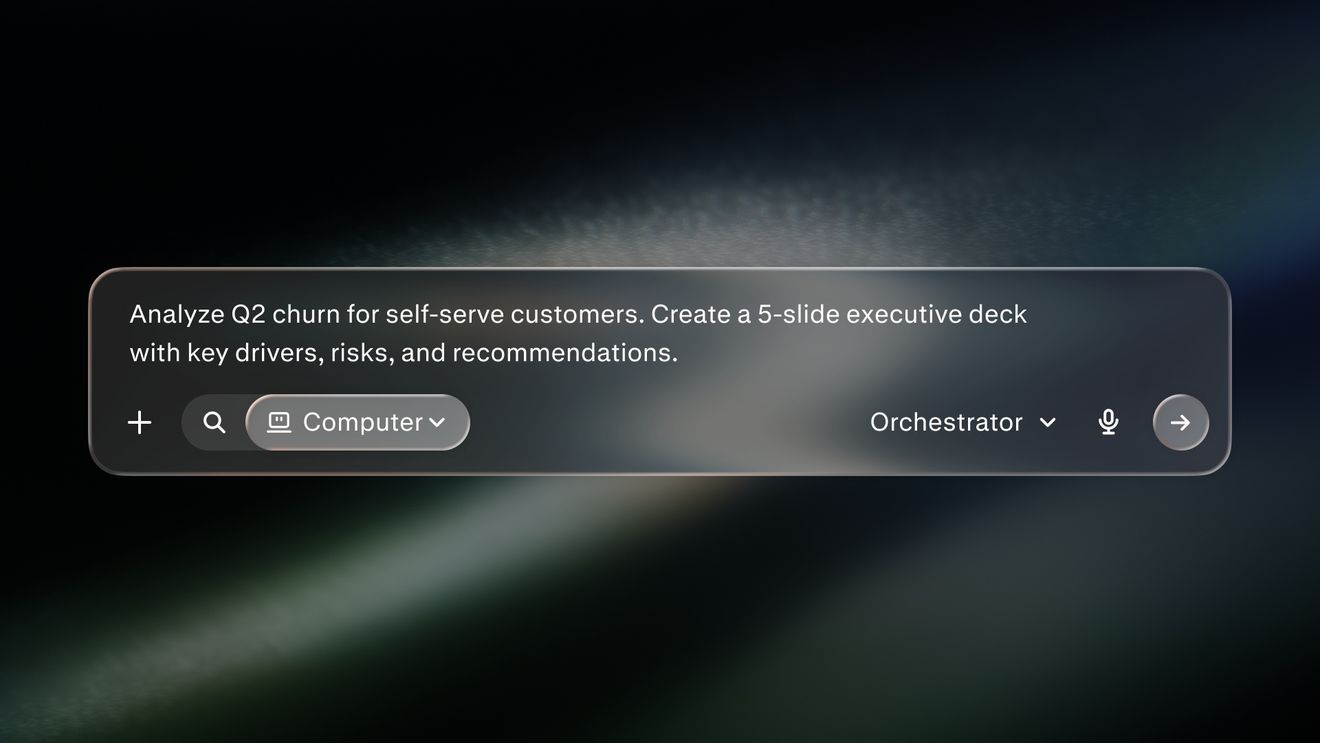
Use a query for the task, and a Skill for the repeatable instructions behind it: A query tells Computer what to do in the moment. A Skill tells it how to approach that kind of work each time.
Skills shape the workflow: They can reflect the way your team likes to research, analyze, write, format, and organize work.
Once Skills are in place, Computer can follow that process more consistently across tasks: That can include reports, dashboards, presentations, websites, apps, and other deliverables that follow the way your organization already works.
Query examples
Use the sales call prep skill to prepare for a meeting