.%20Same%20paths%20and%20fill;%20only%20the%20viewBox%20is%20cropped%20to%20the%20file's%20own%20clip%20rect%20so%20the%20bar%20sets%20the%20clear%20space.%20--%3e%3csvg%20width='480.615'%20height='97.3693'%20viewBox='97%2078%20480.615%2097.3693'%20fill='none'%20xmlns='http://www.w3.org/2000/svg'%3e%3cg%20clip-path='url(%23clip0_1709_25672)'%3e%3cpath%20d='M507.64%20157.772C497.197%20157.772%20490.907%20152.963%20490.907%20141.818V78H503.605V97.3565H530.187L547.394%20137.712L562.584%2097.3565H577.062L544.784%20175.369H530.424L540.63%20151.907L521.406%20108.501H503.605V139.941C503.605%20144.751%20505.741%20146.628%20510.725%20146.628H522.236V157.772H507.64Z'%20fill='%23121516'/%3e%3cpath%20d='M467.845%20157.772V97.3565H480.543V157.772H467.845ZM467.489%2091.139V78H480.899V91.139H467.489Z'%20fill='%23121516'/%3e%3cpath%20d='M404.356%20157.772L425.005%20126.215L405.899%2097.3566H421.089L433.549%20118.004L446.128%2097.3566H461.318L442.212%20126.215L462.861%20157.772H447.671L433.549%20134.779L419.546%20157.772H404.356Z'%20fill='%23121516'/%3e%3cpath%20d='M377.834%20159.532C359.915%20159.532%20348.285%20146.745%20348.285%20127.271C348.285%20108.501%20360.034%2095.5968%20377.122%2095.5968C394.329%2095.5968%20405.84%20107.445%20405.84%20125.16C405.84%20127.858%20405.722%20129.852%20405.366%20131.494H361.458C362.17%20142.874%20367.747%20148.974%20377.953%20148.974C385.31%20148.974%20390.176%20145.689%20391.956%20139.237H404.891C402.043%20151.907%20391.837%20159.532%20377.834%20159.532ZM361.458%20121.64H392.905C392.193%20111.317%20386.853%20106.155%20377.122%20106.155C367.984%20106.155%20362.288%20111.903%20361.458%20121.64Z'%20fill='%23121516'/%3e%3cpath%20d='M328.431%20157.772V78H341.128V157.772H328.431Z'%20fill='%23121516'/%3e%3cpath%20d='M263.88%20175.369V97.3565H276.578V103.457C280.375%2098.4123%20287.021%2095.5968%20294.853%2095.5968C311.111%2095.5968%20321.316%20107.915%20321.316%20127.506C321.316%20147.097%20311.111%20159.532%20294.853%20159.532C287.021%20159.532%20280.375%20156.717%20276.578%20151.672V175.369H263.88ZM292.123%20148.035C302.685%20148.035%20308.263%20140.997%20308.263%20127.506C308.263%20114.132%20302.685%20107.093%20292.123%20107.093C281.443%20107.093%20275.866%20114.132%20275.866%20127.506C275.866%20140.997%20281.443%20148.035%20292.123%20148.035Z'%20fill='%23121516'/%3e%3cpath%20d='M224.479%20157.772V97.3566H237.176V103.809C239.55%2099.7028%20244.178%2097.3566%20249.874%2097.3566H258.181V109.322H249.874C241.092%20109.322%20237.176%20113.546%20237.176%20122.931V157.772H224.479Z'%20fill='%23121516'/%3e%3cpath%20d='M188.82%20159.532C170.9%20159.532%20159.271%20146.745%20159.271%20127.271C159.271%20108.501%20171.019%2095.5968%20188.107%2095.5968C205.315%2095.5968%20216.825%20107.445%20216.825%20125.16C216.825%20127.858%20216.706%20129.852%20216.35%20131.494H172.443C173.155%20142.874%20178.733%20148.974%20188.938%20148.974C196.296%20148.974%20201.161%20145.689%20202.941%20139.237H215.876C213.028%20151.907%20202.823%20159.532%20188.82%20159.532ZM172.443%20121.64H203.891C203.179%20111.317%20197.838%20106.155%20188.107%20106.155C178.97%20106.155%20173.274%20111.903%20172.443%20121.64Z'%20fill='%23121516'/%3e%3cpath%20d='M97%20175.369V97.3565H109.698V103.457C113.495%2098.4123%20120.141%2095.5968%20127.973%2095.5968C144.231%2095.5968%20154.436%20107.915%20154.436%20127.506C154.436%20147.097%20144.231%20159.532%20127.973%20159.532C120.141%20159.532%20113.495%20156.717%20109.698%20151.672V175.369H97ZM125.244%20148.035C135.805%20148.035%20141.383%20140.997%20141.383%20127.506C141.383%20114.132%20135.805%20107.093%20125.244%20107.093C114.563%20107.093%20108.986%20114.132%20108.986%20127.506C108.986%20140.997%20114.563%20148.035%20125.244%20148.035Z'%20fill='%23121516'/%3e%3c/g%3e%3cdefs%3e%3cclipPath%20id='clip0_1709_25672'%3e%3crect%20width='480.615'%20height='97.3693'%20fill='white'%20transform='translate(97%2078)'/%3e%3c/clipPath%3e%3c/defs%3e%3c/svg%3e)
Bắt đầu học
Perplexity Academy
Video Academy dành cho người dùng mới, người dùng chuyên sâu và quản trị viên.
Đến phần videoVideo Academy
Tìm hiểu cách nghiên cứu nhanh hơn, tự động hóa các tác vụ lặp đi lặp lại và xây dựng mọi thứ, từ bài thuyết trình đến trang web, với AI chính xác và dễ sử dụng.
 3 PHÚT
Perplexity Computer trong Microsoft Teams
Hiển thị cách chạy các tác vụ Computer từ các kênh Teams và tin nhắn trực tiếp.
Bắt đầu 3 PHÚT
Cách sử dụng Computer Skill
Giải thích cách các Skill biến các hướng dẫn lặp lại thành các quy trình làm việc có thể tái sử dụng mà Computer tuân theo một cách nhất quán.
Bắt đầu 3 PHÚT
Cách sử dụng Trình kết nối
Cho thấy cách các trình kết nối cung cấp cho Computer quyền truy cập vào các công cụ và dữ liệu kinh doanh của bạn.
Bắt đầu 4 PHÚT
Cách sử dụng Tự động hóa
Tìm hiểu cách tự động hóa công việc liên tục với Computer.
Bắt đầu 3 PHÚT
Cách sử dụng phân tích Computer
Tìm hiểu cách xem mức sử dụng Perplexity Computer trong toàn tổ chức.
Bắt đầu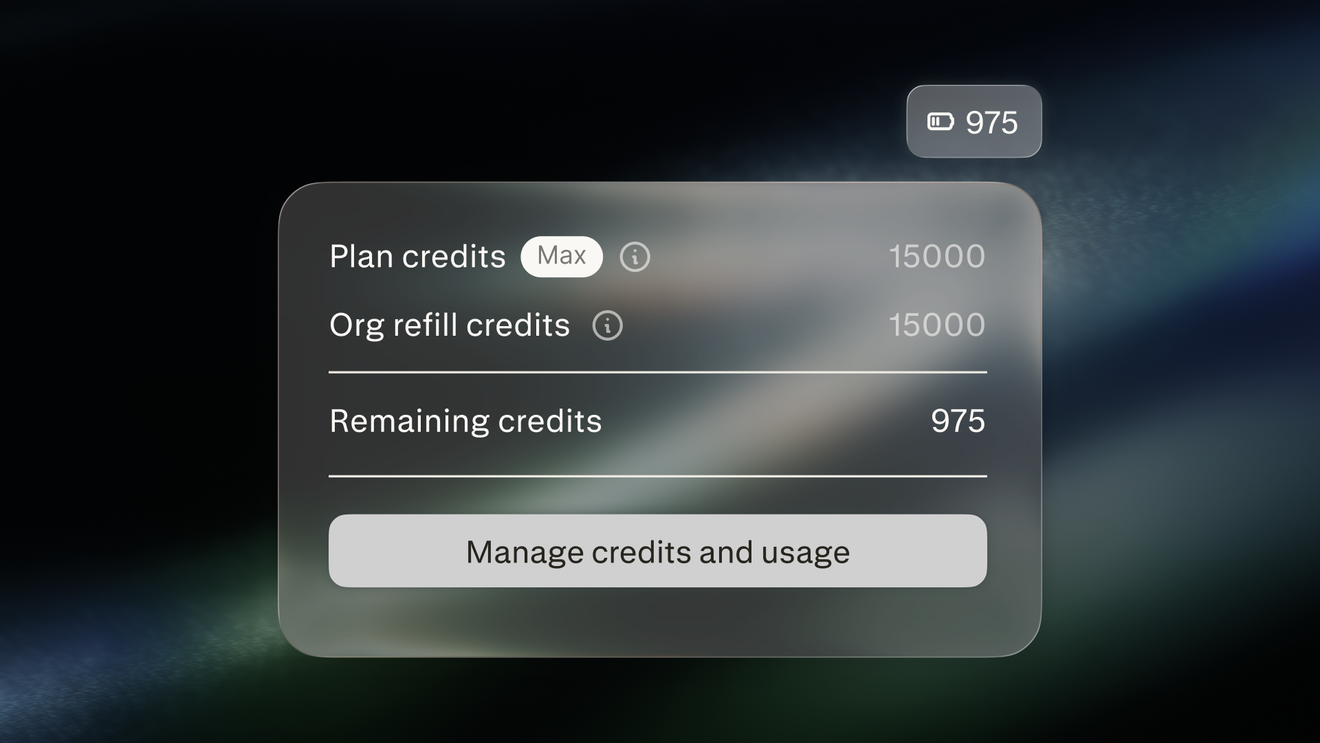 3 PHÚT
Quản lý tín dụng Computer
Tìm hiểu cách tín dụng Computer tài trợ cho công việc mà Computer thực hiện cho một tổ chức và cách quản trị viên quản lý chúng
Bắt đầu 3 PHÚT
Perplexity Computer trong Slack
Hiển thị cách chạy các tác vụ Computer từ tin nhắn trực tiếp, kênh và chuỗi trong Slack.
Bắt đầu 2 PHÚT
Perplexity Computer là gì?
Giới thiệu Computer như một trình điều phối AI có khả năng lên kế hoạch, nghiên cứu và thực hiện công việc nhiều bước.
Bắt đầu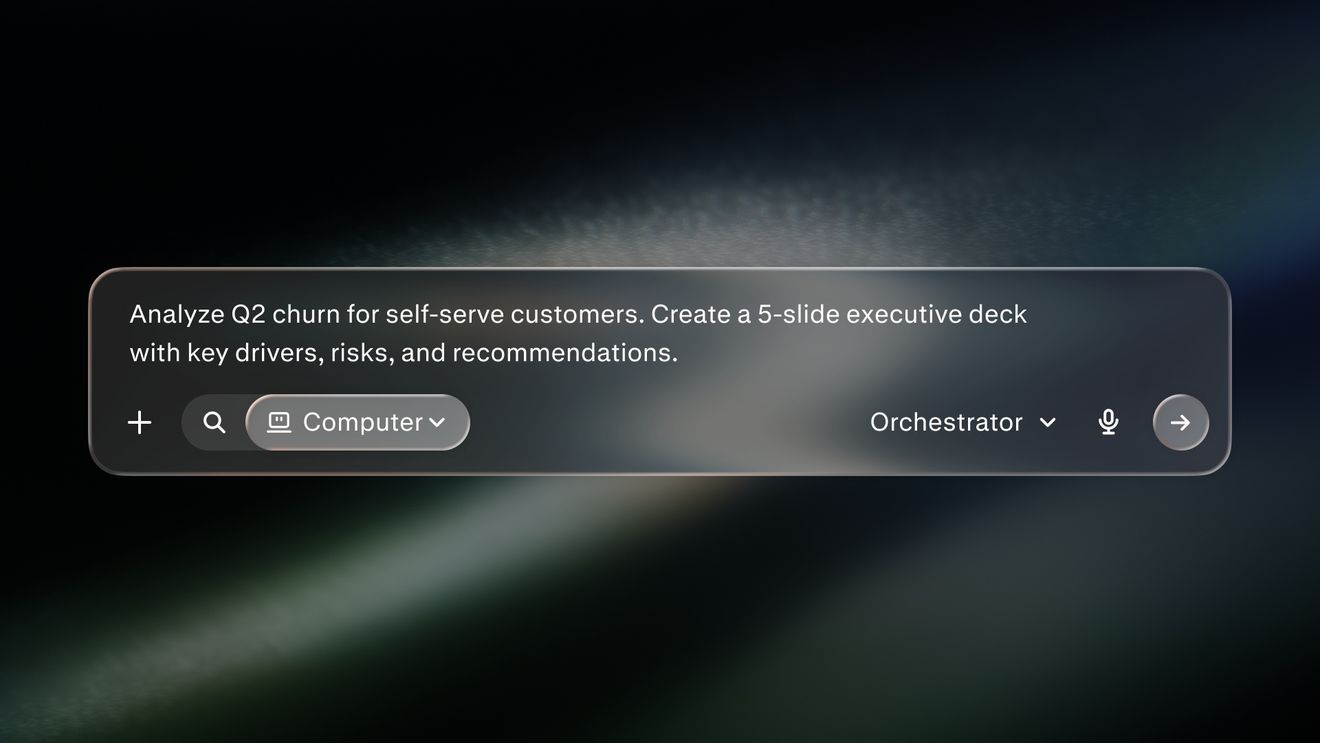 4 PHÚT
Phương pháp hay nhất về truy vấn Perplexity Computer
Hiển thị cách viết các truy vấn tập trung với tác vụ, ngữ cảnh và đầu ra rõ ràng.
Bắt đầu 3 PHÚT
Personal Computer cho Mac
Giải thích cách Personal Computer hoạt động trên các tệp cục bộ, ứng dụng và trình kết nối của bạn.
Bắt đầu 4 PHÚT
Search và Computer
Giải thích thời điểm nên sử dụng Perplexity Search và thời điểm nên sử dụng nền tảng tác nhân Computer
Bắt đầuSẵn sàng cho bước tiếp theo?
Khám phá cách Perplexity có thể thay đổi cách bạn làm việc
Dùng thử Perplexity