

Overview
Audit Logs are available to Enterprise organizations with 50 seats or more, or with at least one Enterprise Max seat. Administrators can use them to investigate activity and monitor administrative changes. You can receive recorded events through a webhook. Query and answer text is limited to the first 500 characters. Audit Logs do not capture every action. Audit Logs do not record seat-tier changes made through SCIM, which synchronizes membership with your identity provider, or through bulk tools. Member additions and removals made through CSV bulk operations are also excluded.Before you start
- Confirm that your organization meets the seat requirement above.
- Ask an administrator with organization settings access to enable logging.
- For webhook delivery, prepare an HTTPS endpoint and an authentication value.
Data privacy and security
Webhook payloads can contain personal information and recorded content, not just activity identifiers. Depending on the event, metadata can include query and answer text, file names, target member emails, organization-setting values, and Perplexity Computer task details. Restrict access to collected logs according to your organization’s privacy policies. Keep webhook URLs and authentication values confidential. For Enterprise-wide data practices, see Data retention and privacy for Enterprise organizations. The Trust Center provides security and compliance documentation, and the Data Processing Addendum sets out contractual data-processing terms when incorporated into your agreement.Enable audit logs
- Go to Organization Settings.
- Open Data and privacy.
-
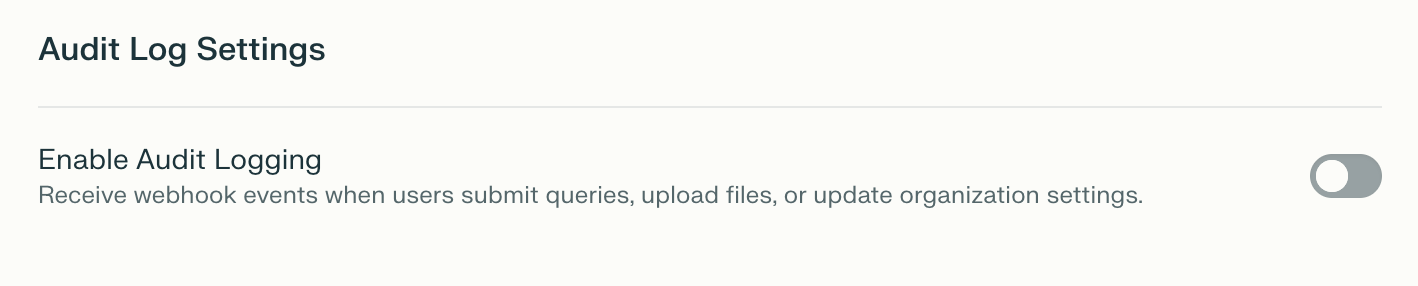
Under Audit Log Settings, turn on Enable Audit Logging.
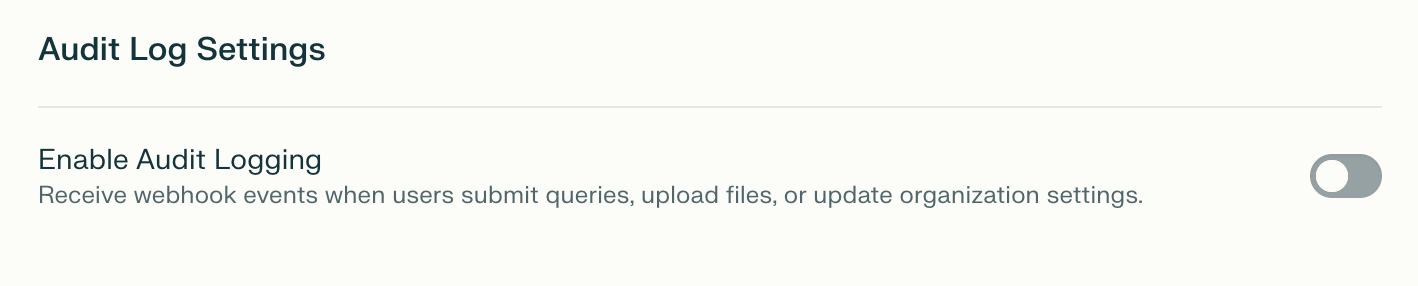
Figure 1: The Enable Audit Logging control in Audit Log Settings.
-
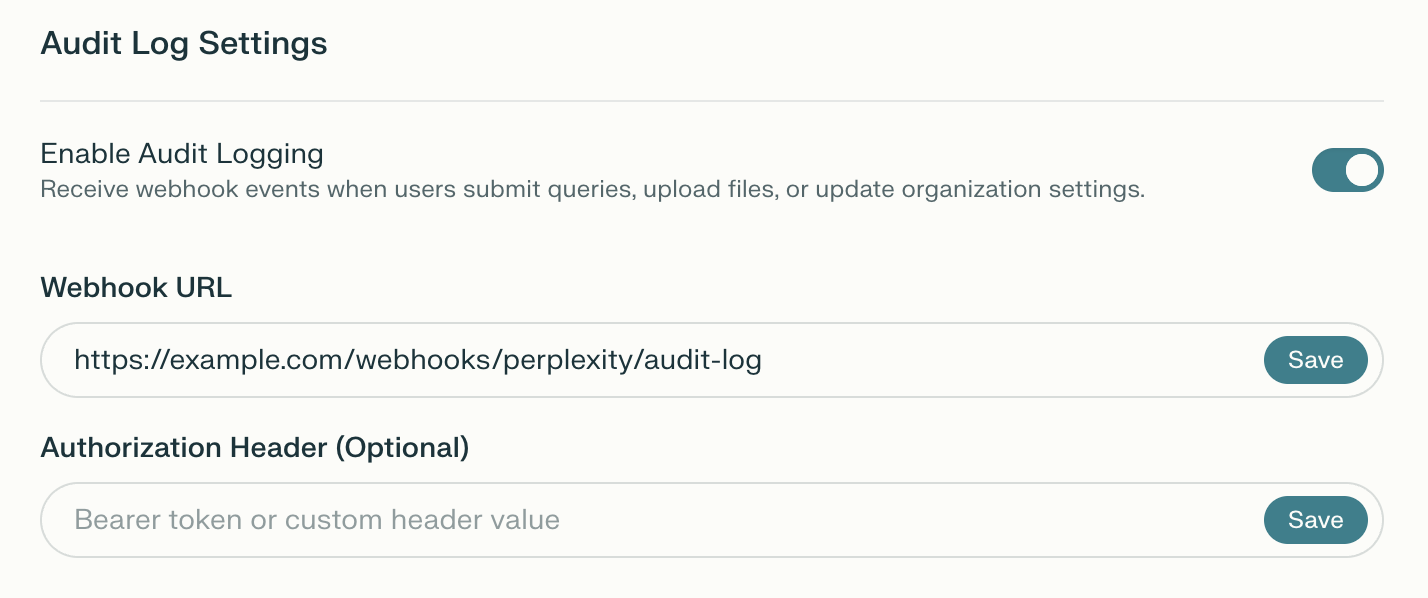
Enter your HTTPS endpoint in Webhook URL.
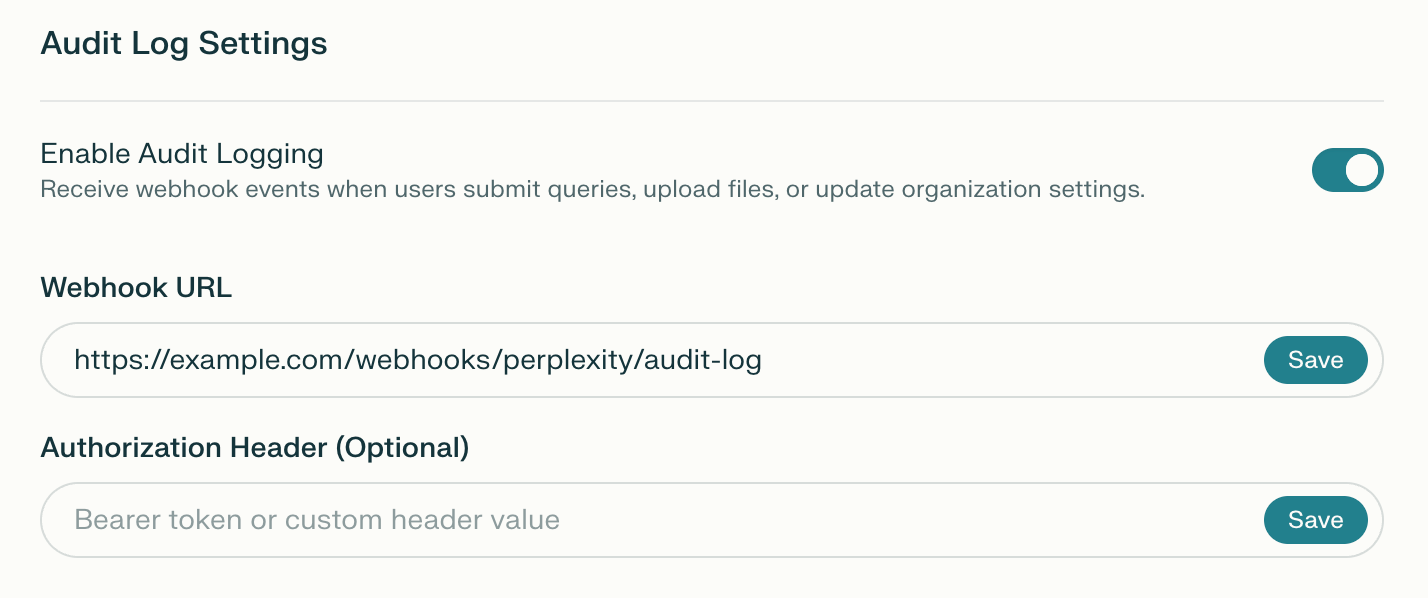
Figure 2: Webhook URL and Authorization Header settings.
- Click Save beside Webhook URL.
- If your endpoint requires authentication, enter the value in Authorization Header.
- Click Save beside Authorization Header.
How to verify it worked
After a supported action, confirm that your receiving endpoint receives a webhook event and returns an HTTP2xx response.
Webhook authentication
You can secure your webhook endpoint with a Bearer token or a complete authorization value. Configure the value your receiving endpoint expects.Bearer token
Provide a token without a prefix, such asYOUR_WEBHOOK_TOKEN. Perplexity prepends Bearer and sends Authorization: Bearer YOUR_WEBHOOK_TOKEN.
Custom authorization header
Provide a complete authorization value that includes its scheme. For example,Splunk YOUR_HEC_TOKEN is sent as Authorization: Splunk YOUR_HEC_TOKEN.
Webhook delivery
Request format
Audit logs are delivered to your webhook URL as HTTPPOST requests. The request body uses application/json.
Authentication header
If you configured an authentication value, Perplexity includes it in theAuthorization header. See Webhook authentication for Bearer and custom-scheme formats.
Response handling
Your webhook endpoint should return an HTTP2xx response to acknowledge receipt within 1 second. Perplexity records delivery errors, including HTTP 4xx and 5xx responses, but does not automatically retry failed or timed-out deliveries. Monitor your receiving endpoint for failures and missing events.
Webhook audit log schema
Webhook events use the fields below.Table 1: Webhook payload fields.
A required string field can be empty when a value is not recorded. Do not assume that everyip_address value is an IP address.
Event types
The following tables describe documented webhook event types, not a guarantee that every action is recorded.User activity events
Table 2: User activity events.
Query events can includemetadata.attachments, with file_uuid and file_name for each attached file.
Thread events
Table 3: Thread events.
Membership events
Table 4: Membership events.
Organization events
Table 5: Organization events.
Role and group events
Table 6: Role and group events.
Forrole_users_changed and role_groups_changed, metadata can include an action value of added or removed. Use this field to distinguish the direction of a membership change.
Comet agent events
Table 7: Comet agent events.
Connector events
Table 8: Connector events.
Computer events
Table 9: Computer events.
Webhook payload example
This illustrative JSON payload represents a query event delivered to a generic webhook.Platform-specific formatting
Slack webhooks
For a webhook URL beginning withhttps://hooks.slack.com, Perplexity uses Slack’s Block Kit format. The blocks array contains sections for the event type, member and client details, and event metadata when present.
Event type labels use title case with underscores removed. Slack formatting truncates individual metadata values at 500 characters and the metadata section at 2,500 characters, with a truncation notice for long values.
Splunk HTTP Event Collector
When the authorization value starts withSplunk, Perplexity wraps the payload in an event object for Splunk’s HTTP Event Collector (HEC). This illustrative example shows the wrapper:
Generic webhooks
For other webhook destinations, Perplexity sends the standard JSON payload without a platform-specific wrapper. See Webhook payload example for the format.Common webhook scenarios
Track research sessions
Usesession_id to correlate a query with its answer.
1
Find the query event
Read
query_str in the event’s metadata. Record its session_id to find related events.2
Match the answer event
Find the
answer_generated event with the same session_id. When recorded, answer contains up to the first 500 characters of the answer, alongside the model used.Monitor file access
Use file identifiers to correlate uploads and downloads. Webhook event metadata can include recorded file and Project details.1
Find the file upload
Read the upload event’s
file_uuid. Record the identifier for comparison with subsequent events.2
Match file downloads
Find download events with the same
file_uuid. Use the actor and timestamp fields to see who accessed the file and when.Audit configuration changes
Fororganization_settings_update, the setting key identifies what changed. Webhook metadata can include old_value and new_value.
Filter stored webhook data by user_email in your own analysis system to track which administrators made changes.
Best practices
Implement your webhook endpoint
- Respond promptly: Acknowledge receipt within 1 second.
- Process asynchronously: Queue received events for processing.
- Validate payloads: Check structure and content before ingestion.
- Secure the endpoint: Use HTTPS and validate the configured authentication value.
- Monitor failures: Record receiving-end errors and investigate delivery gaps.
Store and analyze collected logs
- Set a retention policy: Keep collected logs for the period your organization requires.
- Index relevant fields: Use event type, actor, timestamp, and session fields for analysis.
- Correlate activity: Use
session_idto connect related events. - Monitor patterns: Investigate unusual access or administrative changes.
- Maintain backups: Preserve copies according to your organization’s security and privacy policies.
Troubleshooting
Table 10: Common webhook delivery issues.
When contacting support, include the exact error, the time of the affected event or delivery failure, the timezone, and steps already tried. Omit authentication values, tokens, and sensitive event content.Frequently asked questions
Can I use Audit Logs with fewer than 50 seats?
Yes. An organization with fewer than 50 seats can access Audit Logs if at least one seat is on the Enterprise Max plan. See What is Enterprise Max? for eligibility.What if I enabled Audit Logs by mistake and see an unexpected charge?
Contact your account team or Help > Contact Support to review the charge and any refund eligibility. See Refunds; disabling Audit Logs is not a promise of a billing reversal.Related references
- Enterprise roles and permissions
- What is Enterprise Max?
- Data retention and privacy for Enterprise organizations
- Data Retention for Enterprise