.%20Same%20paths%20and%20fill;%20only%20the%20viewBox%20is%20cropped%20to%20the%20file's%20own%20clip%20rect%20so%20the%20bar%20sets%20the%20clear%20space.%20--%3e%3csvg%20width='480.615'%20height='97.3693'%20viewBox='97%2078%20480.615%2097.3693'%20fill='none'%20xmlns='http://www.w3.org/2000/svg'%3e%3cg%20clip-path='url(%23clip0_1709_25672)'%3e%3cpath%20d='M507.64%20157.772C497.197%20157.772%20490.907%20152.963%20490.907%20141.818V78H503.605V97.3565H530.187L547.394%20137.712L562.584%2097.3565H577.062L544.784%20175.369H530.424L540.63%20151.907L521.406%20108.501H503.605V139.941C503.605%20144.751%20505.741%20146.628%20510.725%20146.628H522.236V157.772H507.64Z'%20fill='%23121516'/%3e%3cpath%20d='M467.845%20157.772V97.3565H480.543V157.772H467.845ZM467.489%2091.139V78H480.899V91.139H467.489Z'%20fill='%23121516'/%3e%3cpath%20d='M404.356%20157.772L425.005%20126.215L405.899%2097.3566H421.089L433.549%20118.004L446.128%2097.3566H461.318L442.212%20126.215L462.861%20157.772H447.671L433.549%20134.779L419.546%20157.772H404.356Z'%20fill='%23121516'/%3e%3cpath%20d='M377.834%20159.532C359.915%20159.532%20348.285%20146.745%20348.285%20127.271C348.285%20108.501%20360.034%2095.5968%20377.122%2095.5968C394.329%2095.5968%20405.84%20107.445%20405.84%20125.16C405.84%20127.858%20405.722%20129.852%20405.366%20131.494H361.458C362.17%20142.874%20367.747%20148.974%20377.953%20148.974C385.31%20148.974%20390.176%20145.689%20391.956%20139.237H404.891C402.043%20151.907%20391.837%20159.532%20377.834%20159.532ZM361.458%20121.64H392.905C392.193%20111.317%20386.853%20106.155%20377.122%20106.155C367.984%20106.155%20362.288%20111.903%20361.458%20121.64Z'%20fill='%23121516'/%3e%3cpath%20d='M328.431%20157.772V78H341.128V157.772H328.431Z'%20fill='%23121516'/%3e%3cpath%20d='M263.88%20175.369V97.3565H276.578V103.457C280.375%2098.4123%20287.021%2095.5968%20294.853%2095.5968C311.111%2095.5968%20321.316%20107.915%20321.316%20127.506C321.316%20147.097%20311.111%20159.532%20294.853%20159.532C287.021%20159.532%20280.375%20156.717%20276.578%20151.672V175.369H263.88ZM292.123%20148.035C302.685%20148.035%20308.263%20140.997%20308.263%20127.506C308.263%20114.132%20302.685%20107.093%20292.123%20107.093C281.443%20107.093%20275.866%20114.132%20275.866%20127.506C275.866%20140.997%20281.443%20148.035%20292.123%20148.035Z'%20fill='%23121516'/%3e%3cpath%20d='M224.479%20157.772V97.3566H237.176V103.809C239.55%2099.7028%20244.178%2097.3566%20249.874%2097.3566H258.181V109.322H249.874C241.092%20109.322%20237.176%20113.546%20237.176%20122.931V157.772H224.479Z'%20fill='%23121516'/%3e%3cpath%20d='M188.82%20159.532C170.9%20159.532%20159.271%20146.745%20159.271%20127.271C159.271%20108.501%20171.019%2095.5968%20188.107%2095.5968C205.315%2095.5968%20216.825%20107.445%20216.825%20125.16C216.825%20127.858%20216.706%20129.852%20216.35%20131.494H172.443C173.155%20142.874%20178.733%20148.974%20188.938%20148.974C196.296%20148.974%20201.161%20145.689%20202.941%20139.237H215.876C213.028%20151.907%20202.823%20159.532%20188.82%20159.532ZM172.443%20121.64H203.891C203.179%20111.317%20197.838%20106.155%20188.107%20106.155C178.97%20106.155%20173.274%20111.903%20172.443%20121.64Z'%20fill='%23121516'/%3e%3cpath%20d='M97%20175.369V97.3565H109.698V103.457C113.495%2098.4123%20120.141%2095.5968%20127.973%2095.5968C144.231%2095.5968%20154.436%20107.915%20154.436%20127.506C154.436%20147.097%20144.231%20159.532%20127.973%20159.532C120.141%20159.532%20113.495%20156.717%20109.698%20151.672V175.369H97ZM125.244%20148.035C135.805%20148.035%20141.383%20140.997%20141.383%20127.506C141.383%20114.132%20135.805%20107.093%20125.244%20107.093C114.563%20107.093%20108.986%20114.132%20108.986%20127.506C108.986%20140.997%20114.563%20148.035%20125.244%20148.035Z'%20fill='%23121516'/%3e%3c/g%3e%3cdefs%3e%3cclipPath%20id='clip0_1709_25672'%3e%3crect%20width='480.615'%20height='97.3693'%20fill='white'%20transform='translate(97%2078)'/%3e%3c/clipPath%3e%3c/defs%3e%3c/svg%3e)
Personal Computer on Mac for all
Personal Computer on Mac
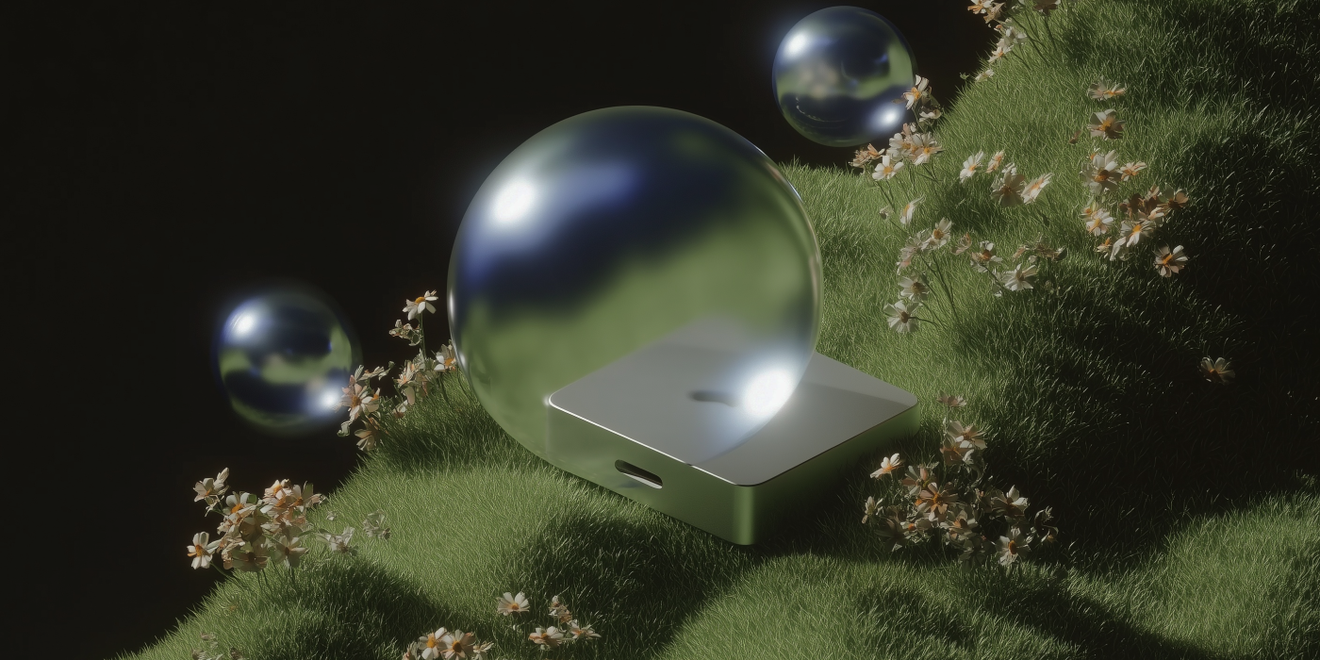
Personal Computer is now available on Mac for everyone. Personal Computer securely connects your local files, apps, and Comet browser to Computer so Computer can work with the context that already lives on your local desktop. You stay in control for what Personal Computer can and cannot access. Personal Computer works on any Mac: desktop, laptop, or Mac Mini.
Try Personal Computer to:
- Work across local apps: "Use my local files, calendar, and browser context to create a project brief with open questions and next steps."
- Use Comet context: "Summarize the research tabs I have open in Comet and turn them into a one-page decision memo."
- Manage local files: "Find the latest version of this document on my Mac, clean it up, and prepare a shareable summary."
Learn more: Personal Computer Setup Guide · Personal Computer Download
Computer Improvements
Improved notifications
Computer is now smarter about sending notifications, including completed tasks and moments where Computer needs your input. This helps long-running work continue in the background without losing your attention when approval, auth, or clarification is needed. Computer decides intelligently when and where to send you notifications. Download Perplexity on your favorite platform to work on Computer wherever you go.
Personal CFO improvements
Personal CFO now supports more personal finance context. You can connect up to 30 accounts, up from 5, and Computer now fetches up to 500 assets per account, up from 200. You can also set your annual income and risk tolerance, which helps Computer tailor answers about budgeting, portfolio management, and long-term planning.
Try Personal CFO to:
- Review your portfolio: "Analyze my portfolio by asset class, concentration, and risk, then suggest three questions I should investigate next."
- Plan a budget: "Use my annual income and spending context to create a monthly budget with savings targets and tradeoffs."
- Stress-test risk: "Given my risk tolerance, identify where my current investments may be too concentrated or too conservative."
Learn more: Personal CFO (available in the US and Canada)
Computer for Enterprise
Computer for Professional Finance: Bring your own finance license
Finance teams can now connect licensed datasets from Morningstar, PitchBook, FactSet, Daloopa, and Carbon Arc to Computer. Once your license is connected, Computer can use those datasets in relevant research, analysis, and reporting tasks.
Try finance data connectors to:
- Build an investment brief: "Use PitchBook and recent web research to create a one-page company brief with funding history, investors, and recent news."
- Analyze public markets: "Use FactSet and Morningstar data to compare these three public companies across valuation, growth, and profitability."
- Create a sector report: "Use Daloopa and Carbon Arc to summarize the key operating and sustainability metrics for this sector."
Learn more: Computer for Professional Finance · Perplexity for Professional Finance
Admin credit enhancements
Enterprise admins now have better visibility and control over organization credit purchases. Updates include enhanced transaction accounting and support for one-time credit purchases, making it easier to manage Computer usage across teams.