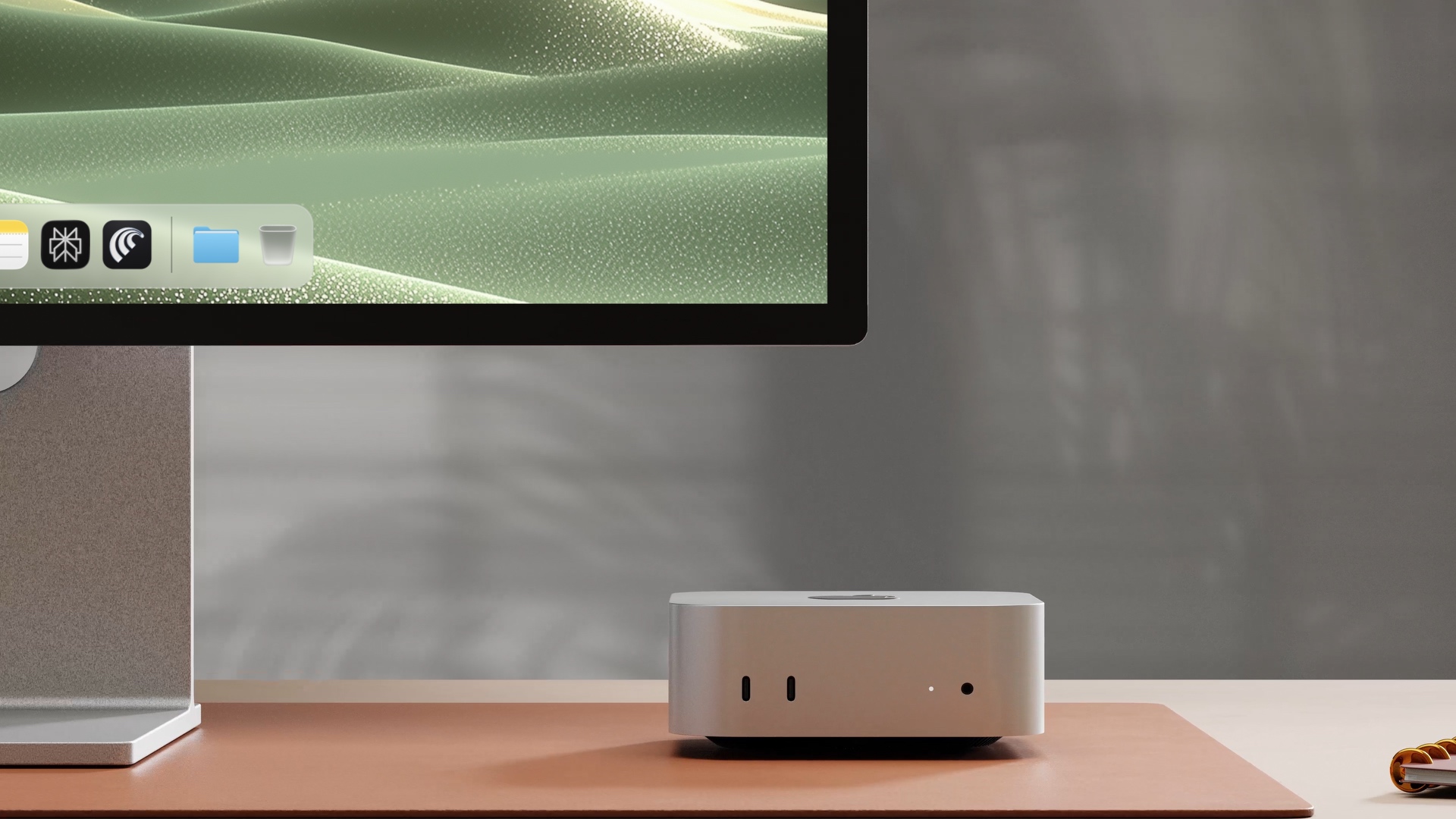
Download Perplexity for macOS
Personal Computer lives within the Perplexity macOS app. Install it on your Mac and sign in with your Perplexity account.
DownloadRun Personal Computer on any Mac through the Perplexity macOS app.
Personal Computer lives within the Perplexity macOS app. Install it on your Mac and sign in with your Perplexity account.
DownloadComet is the agentic browser. Personal Computer hands web tasks to Comet so the agent can navigate logged-in sites, fill forms, and pull info from across the web.
Get CometmacOS will prompt for Accessibility (so the agent can click and type), Screen & System Audio Recording (so it can see what’s on screen), and Full Disk Access (so it can read your files). Approve each when asked.
Point the agent at the folders it can touch (Downloads, Desktop, Projects) and sign into the services it should know about. It only sees what you connect.
The phone app handles 2FA prompts, approves sensitive actions, and lets you kick off tasks while you’re away from the Mac.
Work with folders on the Mac: Desktop, Downloads, project folders, screenshots, exports.
Use apps you already keep open, including iMessage, Calendar, Notes, and Comet.
Use browser sessions and connectors you set up once, then reuse.
Approve sensitive steps from your phone, then let the Mac keep working.
Folders
Apps
 Comet
Comet Messages
 Mail
Mail Notes
Notes Calendar
Connectors
 Google Workspace
 Microsoft / Teams
 Slack
Slack Notion
Phone
Good agent prompts name the action, the data it should touch, and the line not to cross.
Clean up my Downloads folder. Group files by project and ask before deleting anything.
Read the notes in this folder, check my calendar, and draft a launch update in Google Docs.
Compare this local launch plan against current web info. List anything that changed.
Best on a Mac mini you can leave on at home — but works on any Mac running macOS 15 or later.
Open download page