.%20Same%20paths%20and%20fill;%20only%20the%20viewBox%20is%20cropped%20to%20the%20file's%20own%20clip%20rect%20so%20the%20bar%20sets%20the%20clear%20space.%20--%3e%3csvg%20width='480.615'%20height='97.3693'%20viewBox='97%2078%20480.615%2097.3693'%20fill='none'%20xmlns='http://www.w3.org/2000/svg'%3e%3cg%20clip-path='url(%23clip0_1709_25672)'%3e%3cpath%20d='M507.64%20157.772C497.197%20157.772%20490.907%20152.963%20490.907%20141.818V78H503.605V97.3565H530.187L547.394%20137.712L562.584%2097.3565H577.062L544.784%20175.369H530.424L540.63%20151.907L521.406%20108.501H503.605V139.941C503.605%20144.751%20505.741%20146.628%20510.725%20146.628H522.236V157.772H507.64Z'%20fill='%23121516'/%3e%3cpath%20d='M467.845%20157.772V97.3565H480.543V157.772H467.845ZM467.489%2091.139V78H480.899V91.139H467.489Z'%20fill='%23121516'/%3e%3cpath%20d='M404.356%20157.772L425.005%20126.215L405.899%2097.3566H421.089L433.549%20118.004L446.128%2097.3566H461.318L442.212%20126.215L462.861%20157.772H447.671L433.549%20134.779L419.546%20157.772H404.356Z'%20fill='%23121516'/%3e%3cpath%20d='M377.834%20159.532C359.915%20159.532%20348.285%20146.745%20348.285%20127.271C348.285%20108.501%20360.034%2095.5968%20377.122%2095.5968C394.329%2095.5968%20405.84%20107.445%20405.84%20125.16C405.84%20127.858%20405.722%20129.852%20405.366%20131.494H361.458C362.17%20142.874%20367.747%20148.974%20377.953%20148.974C385.31%20148.974%20390.176%20145.689%20391.956%20139.237H404.891C402.043%20151.907%20391.837%20159.532%20377.834%20159.532ZM361.458%20121.64H392.905C392.193%20111.317%20386.853%20106.155%20377.122%20106.155C367.984%20106.155%20362.288%20111.903%20361.458%20121.64Z'%20fill='%23121516'/%3e%3cpath%20d='M328.431%20157.772V78H341.128V157.772H328.431Z'%20fill='%23121516'/%3e%3cpath%20d='M263.88%20175.369V97.3565H276.578V103.457C280.375%2098.4123%20287.021%2095.5968%20294.853%2095.5968C311.111%2095.5968%20321.316%20107.915%20321.316%20127.506C321.316%20147.097%20311.111%20159.532%20294.853%20159.532C287.021%20159.532%20280.375%20156.717%20276.578%20151.672V175.369H263.88ZM292.123%20148.035C302.685%20148.035%20308.263%20140.997%20308.263%20127.506C308.263%20114.132%20302.685%20107.093%20292.123%20107.093C281.443%20107.093%20275.866%20114.132%20275.866%20127.506C275.866%20140.997%20281.443%20148.035%20292.123%20148.035Z'%20fill='%23121516'/%3e%3cpath%20d='M224.479%20157.772V97.3566H237.176V103.809C239.55%2099.7028%20244.178%2097.3566%20249.874%2097.3566H258.181V109.322H249.874C241.092%20109.322%20237.176%20113.546%20237.176%20122.931V157.772H224.479Z'%20fill='%23121516'/%3e%3cpath%20d='M188.82%20159.532C170.9%20159.532%20159.271%20146.745%20159.271%20127.271C159.271%20108.501%20171.019%2095.5968%20188.107%2095.5968C205.315%2095.5968%20216.825%20107.445%20216.825%20125.16C216.825%20127.858%20216.706%20129.852%20216.35%20131.494H172.443C173.155%20142.874%20178.733%20148.974%20188.938%20148.974C196.296%20148.974%20201.161%20145.689%20202.941%20139.237H215.876C213.028%20151.907%20202.823%20159.532%20188.82%20159.532ZM172.443%20121.64H203.891C203.179%20111.317%20197.838%20106.155%20188.107%20106.155C178.97%20106.155%20173.274%20111.903%20172.443%20121.64Z'%20fill='%23121516'/%3e%3cpath%20d='M97%20175.369V97.3565H109.698V103.457C113.495%2098.4123%20120.141%2095.5968%20127.973%2095.5968C144.231%2095.5968%20154.436%20107.915%20154.436%20127.506C154.436%20147.097%20144.231%20159.532%20127.973%20159.532C120.141%20159.532%20113.495%20156.717%20109.698%20151.672V175.369H97ZM125.244%20148.035C135.805%20148.035%20141.383%20140.997%20141.383%20127.506C141.383%20114.132%20135.805%20107.093%20125.244%20107.093C114.563%20107.093%20108.986%20114.132%20108.986%20127.506C108.986%20140.997%20114.563%20148.035%20125.244%20148.035Z'%20fill='%23121516'/%3e%3c/g%3e%3cdefs%3e%3cclipPath%20id='clip0_1709_25672'%3e%3crect%20width='480.615'%20height='97.3693'%20fill='white'%20transform='translate(97%2078)'/%3e%3c/clipPath%3e%3c/defs%3e%3c/svg%3e)
Academy 影片
學習如何更快速地進行研究、自動化重複性任務,並透過準確且易於使用的 AI,打造從簡報到網站的各種成果。
 3分鐘
3分鐘Microsoft Teams 中的 Perplexity Computer
展示如何從 Teams 頻道和直接訊息中執行 Computer 任務。
開始使用 4分鐘
4分鐘如何使用自動化
了解如何使用 Computer 自動化持續進行的工作。
開始使用 3分鐘
3分鐘如何使用 Computer 技能
說明技能如何將重複的說明轉化為 Computer 能持續遵循的可重複使用工作流程。
開始使用 3分鐘
3分鐘如何使用 Computer 分析功能
暸解如何檢視整個組織中 Perplexity Computer 的使用情況。
開始使用 3分鐘
3分鐘如何使用連接器
說明連接器如何讓 Computer 存取您的業務工具與資料。
開始使用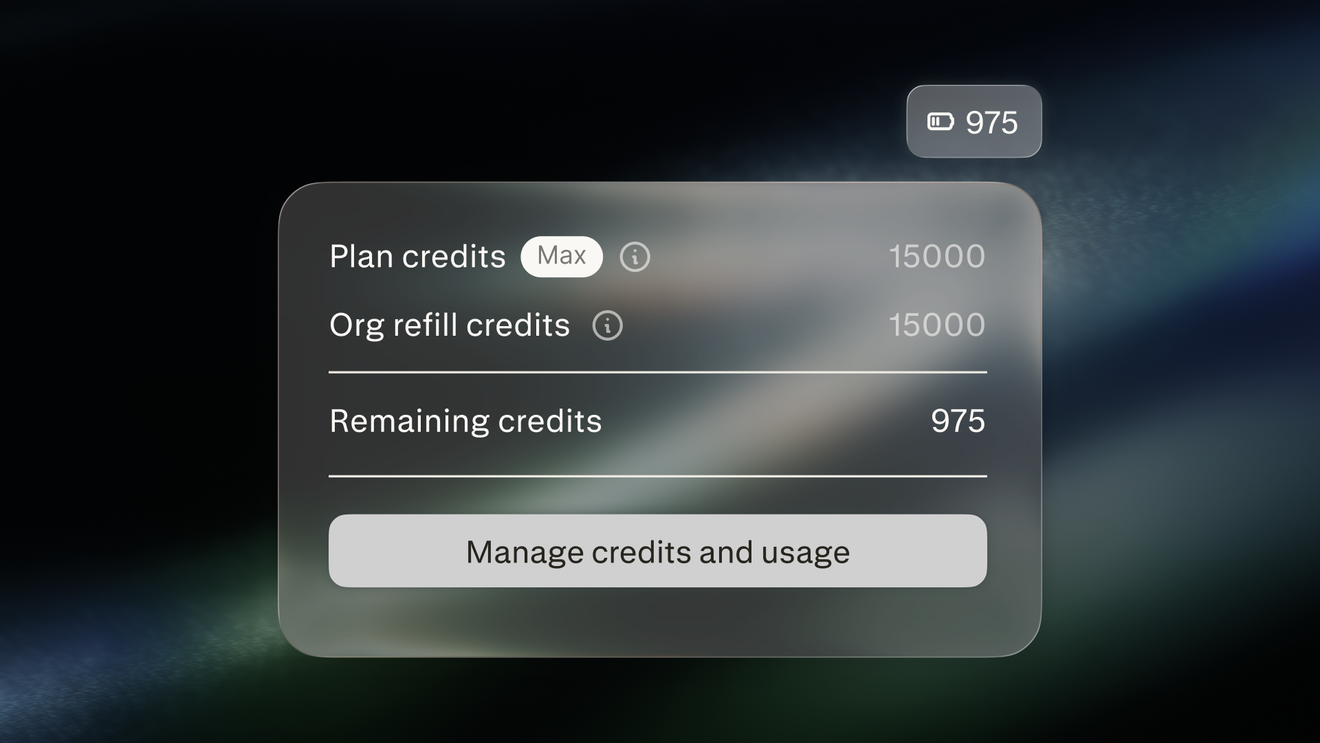 3分鐘
3分鐘管理 Computer 點數
瞭解 Computer 點數如何資助 Computer 為組織所進行的工作,以及管理員如何管理這些點數
開始使用 3分鐘
3分鐘Slack 中的 Perplexity Computer
展示如何從 Slack 私人訊息、頻道和討論串執行 Computer 任務。
開始使用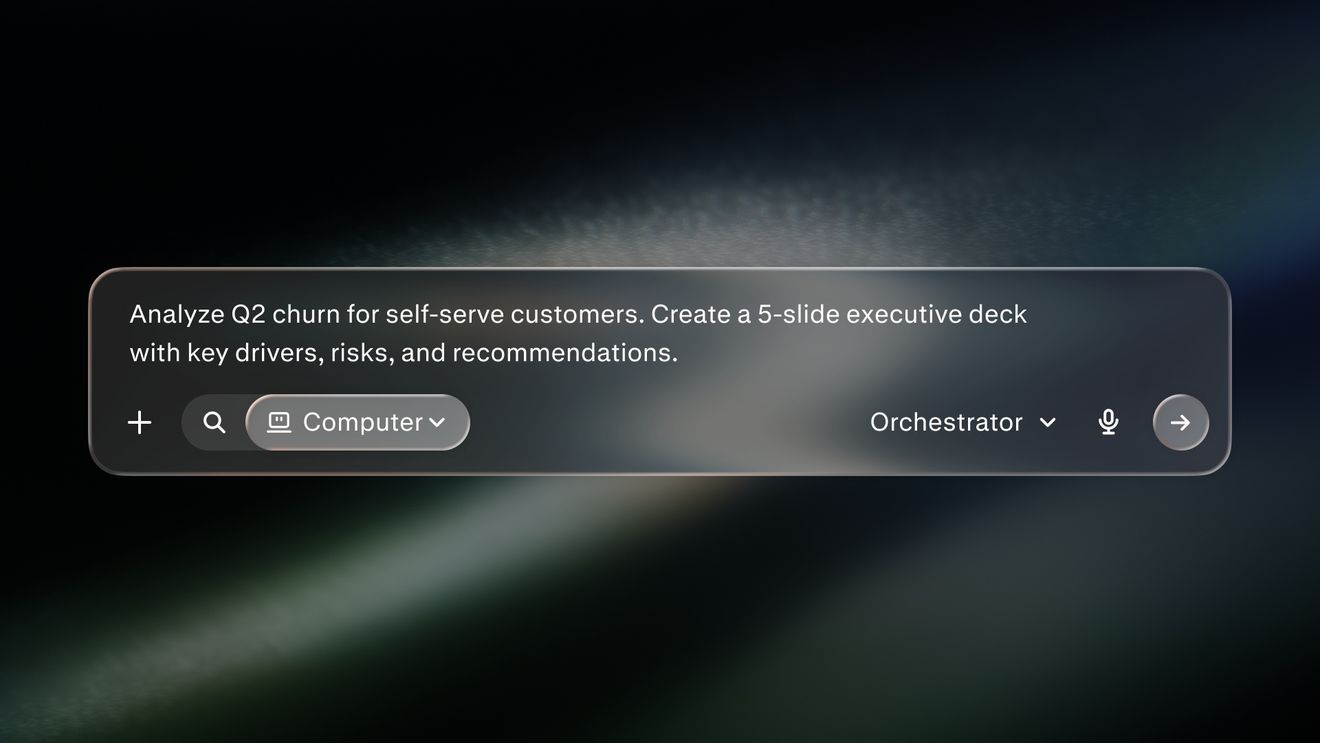 4分鐘
4分鐘Perplexity Computer 查詢最佳實踐
展示如何撰寫具備清晰任務、背景資訊及輸出結果的專注查詢。
開始使用 3分鐘
3分鐘Personal Computer for Mac
說明 Personal Computer 如何跨越您的本機檔案、應用程式和連接器進行運作。
開始使用 4分鐘
4分鐘Search 與 Computer
說明何時使用 Perplexity Search 以及何時使用代理平台 Computer
開始使用 2分鐘
2分鐘什麼是 Perplexity Computer?
介紹 Computer 作為一種 AI 協調器,負責規劃、研究並交付多步驟工作。
開始使用準備好邁出下一步了嗎?
探索 Perplexity 如何徹底改變你的工作方式
試用 Perplexity