.%20Same%20paths%20and%20fill;%20only%20the%20viewBox%20is%20cropped%20to%20the%20file's%20own%20clip%20rect%20so%20the%20bar%20sets%20the%20clear%20space.%20--%3e%3csvg%20width='480.615'%20height='97.3693'%20viewBox='97%2078%20480.615%2097.3693'%20fill='none'%20xmlns='http://www.w3.org/2000/svg'%3e%3cg%20clip-path='url(%23clip0_1709_25672)'%3e%3cpath%20d='M507.64%20157.772C497.197%20157.772%20490.907%20152.963%20490.907%20141.818V78H503.605V97.3565H530.187L547.394%20137.712L562.584%2097.3565H577.062L544.784%20175.369H530.424L540.63%20151.907L521.406%20108.501H503.605V139.941C503.605%20144.751%20505.741%20146.628%20510.725%20146.628H522.236V157.772H507.64Z'%20fill='%23121516'/%3e%3cpath%20d='M467.845%20157.772V97.3565H480.543V157.772H467.845ZM467.489%2091.139V78H480.899V91.139H467.489Z'%20fill='%23121516'/%3e%3cpath%20d='M404.356%20157.772L425.005%20126.215L405.899%2097.3566H421.089L433.549%20118.004L446.128%2097.3566H461.318L442.212%20126.215L462.861%20157.772H447.671L433.549%20134.779L419.546%20157.772H404.356Z'%20fill='%23121516'/%3e%3cpath%20d='M377.834%20159.532C359.915%20159.532%20348.285%20146.745%20348.285%20127.271C348.285%20108.501%20360.034%2095.5968%20377.122%2095.5968C394.329%2095.5968%20405.84%20107.445%20405.84%20125.16C405.84%20127.858%20405.722%20129.852%20405.366%20131.494H361.458C362.17%20142.874%20367.747%20148.974%20377.953%20148.974C385.31%20148.974%20390.176%20145.689%20391.956%20139.237H404.891C402.043%20151.907%20391.837%20159.532%20377.834%20159.532ZM361.458%20121.64H392.905C392.193%20111.317%20386.853%20106.155%20377.122%20106.155C367.984%20106.155%20362.288%20111.903%20361.458%20121.64Z'%20fill='%23121516'/%3e%3cpath%20d='M328.431%20157.772V78H341.128V157.772H328.431Z'%20fill='%23121516'/%3e%3cpath%20d='M263.88%20175.369V97.3565H276.578V103.457C280.375%2098.4123%20287.021%2095.5968%20294.853%2095.5968C311.111%2095.5968%20321.316%20107.915%20321.316%20127.506C321.316%20147.097%20311.111%20159.532%20294.853%20159.532C287.021%20159.532%20280.375%20156.717%20276.578%20151.672V175.369H263.88ZM292.123%20148.035C302.685%20148.035%20308.263%20140.997%20308.263%20127.506C308.263%20114.132%20302.685%20107.093%20292.123%20107.093C281.443%20107.093%20275.866%20114.132%20275.866%20127.506C275.866%20140.997%20281.443%20148.035%20292.123%20148.035Z'%20fill='%23121516'/%3e%3cpath%20d='M224.479%20157.772V97.3566H237.176V103.809C239.55%2099.7028%20244.178%2097.3566%20249.874%2097.3566H258.181V109.322H249.874C241.092%20109.322%20237.176%20113.546%20237.176%20122.931V157.772H224.479Z'%20fill='%23121516'/%3e%3cpath%20d='M188.82%20159.532C170.9%20159.532%20159.271%20146.745%20159.271%20127.271C159.271%20108.501%20171.019%2095.5968%20188.107%2095.5968C205.315%2095.5968%20216.825%20107.445%20216.825%20125.16C216.825%20127.858%20216.706%20129.852%20216.35%20131.494H172.443C173.155%20142.874%20178.733%20148.974%20188.938%20148.974C196.296%20148.974%20201.161%20145.689%20202.941%20139.237H215.876C213.028%20151.907%20202.823%20159.532%20188.82%20159.532ZM172.443%20121.64H203.891C203.179%20111.317%20197.838%20106.155%20188.107%20106.155C178.97%20106.155%20173.274%20111.903%20172.443%20121.64Z'%20fill='%23121516'/%3e%3cpath%20d='M97%20175.369V97.3565H109.698V103.457C113.495%2098.4123%20120.141%2095.5968%20127.973%2095.5968C144.231%2095.5968%20154.436%20107.915%20154.436%20127.506C154.436%20147.097%20144.231%20159.532%20127.973%20159.532C120.141%20159.532%20113.495%20156.717%20109.698%20151.672V175.369H97ZM125.244%20148.035C135.805%20148.035%20141.383%20140.997%20141.383%20127.506C141.383%20114.132%20135.805%20107.093%20125.244%20107.093C114.563%20107.093%20108.986%20114.132%20108.986%20127.506C108.986%20140.997%20114.563%20148.035%20125.244%20148.035Z'%20fill='%23121516'/%3e%3c/g%3e%3cdefs%3e%3cclipPath%20id='clip0_1709_25672'%3e%3crect%20width='480.615'%20height='97.3693'%20fill='white'%20transform='translate(97%2078)'/%3e%3c/clipPath%3e%3c/defs%3e%3c/svg%3e)
เริ่มเรียนรู้
Perplexity Academy
วิดีโอ Academy สำหรับผู้ใช้ใหม่ ผู้ใช้ระดับสูง และผู้ดูแลระบบ
ไปที่วิดีโอวิดีโอ Academy
เรียนรู้วิธีค้นคว้าให้เร็วขึ้น ทำงานซ้ำ ๆ แบบอัตโนมัติ และสร้างทุกอย่างตั้งแต่สไลด์นำเสนอไปจนถึงเว็บไซต์ด้วย AI ที่แม่นยำและใช้งานง่าย
 3 นาที
Perplexity Computer ใน Microsoft Teams
แสดงวิธีเรียกใช้งาน Computer จากแชนแนลและข้อความโดยตรงของ Teams
เริ่มต้นใช้งาน 4 นาที
วิธีใช้การทำงานอัตโนมัติ
เรียนรู้วิธีทำให้งานต่อเนื่องเป็นอัตโนมัติด้วย Computer
เริ่มต้นใช้งาน 3 นาที
วิธีใช้ Computer Skills
อธิบายวิธีที่ Skill เปลี่ยนคำสั่งที่ทำซ้ำให้เป็นเวิร์กโฟลว์ที่นำกลับมาใช้ใหม่ได้ซึ่ง Computer ทำตามอย่างสม่ำเสมอ
เริ่มต้นใช้งาน 3 นาที
วิธีใช้การวิเคราะห์ของ Computer
เรียนรู้วิธีดูการใช้งาน Perplexity Computer ภายในองค์กรของคุณ
เริ่มต้นใช้งาน 3 นาที
วิธีใช้ตัวเชื่อมต่อ
แสดงวิธีที่ตัวเชื่อมต่อช่วยให้ Computer สามารถเข้าถึงเครื่องมือและข้อมูลทางธุรกิจของคุณได้
เริ่มต้นใช้งาน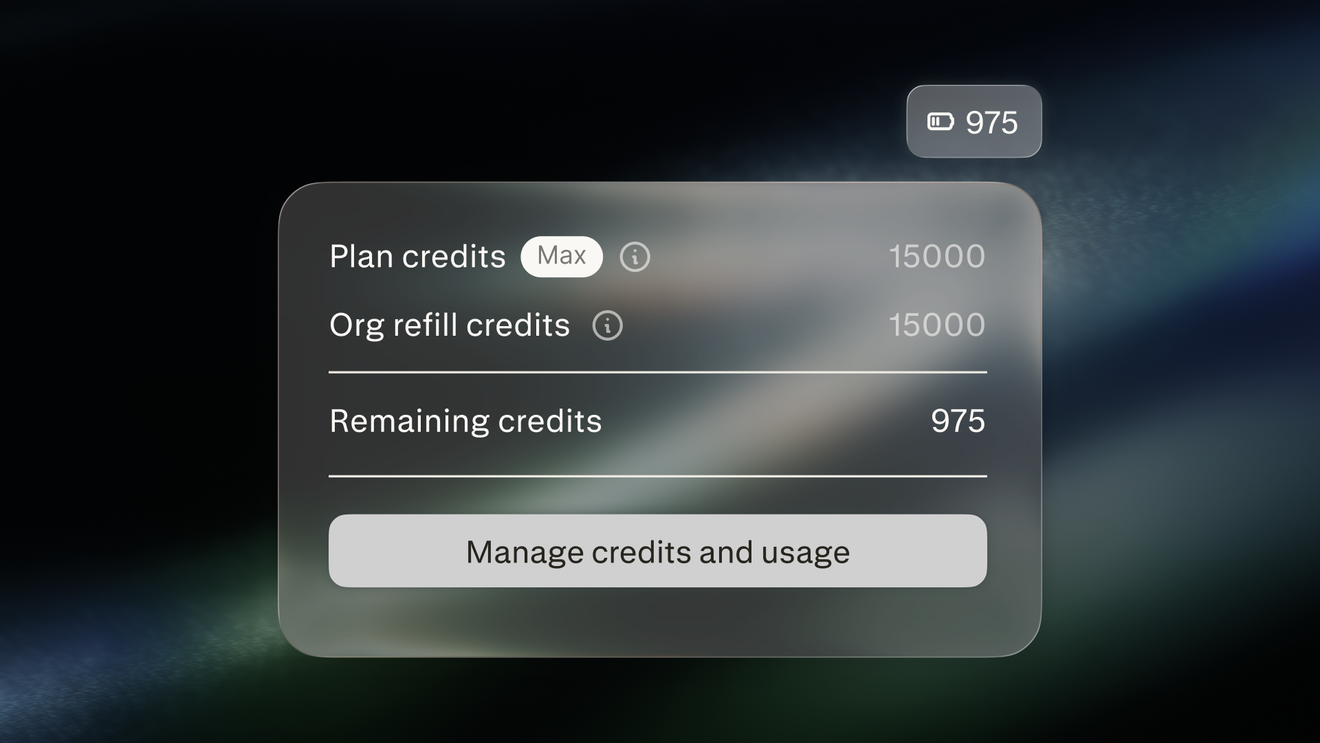 3 นาที
การจัดการเครดิต Computer
เรียนรู้วิธีที่เครดิต Computer สนับสนุนการทำงานที่ Computer ทำให้กับองค์กร และวิธีที่ผู้ดูแลระบบจัดการเครดิตเหล่านี้
เริ่มต้นใช้งาน 3 นาที
Perplexity Computer ใน Slack
แสดงวิธีเรียกใช้งาน Computer จาก DM แชนแนล และเธรดใน Slack
เริ่มต้นใช้งาน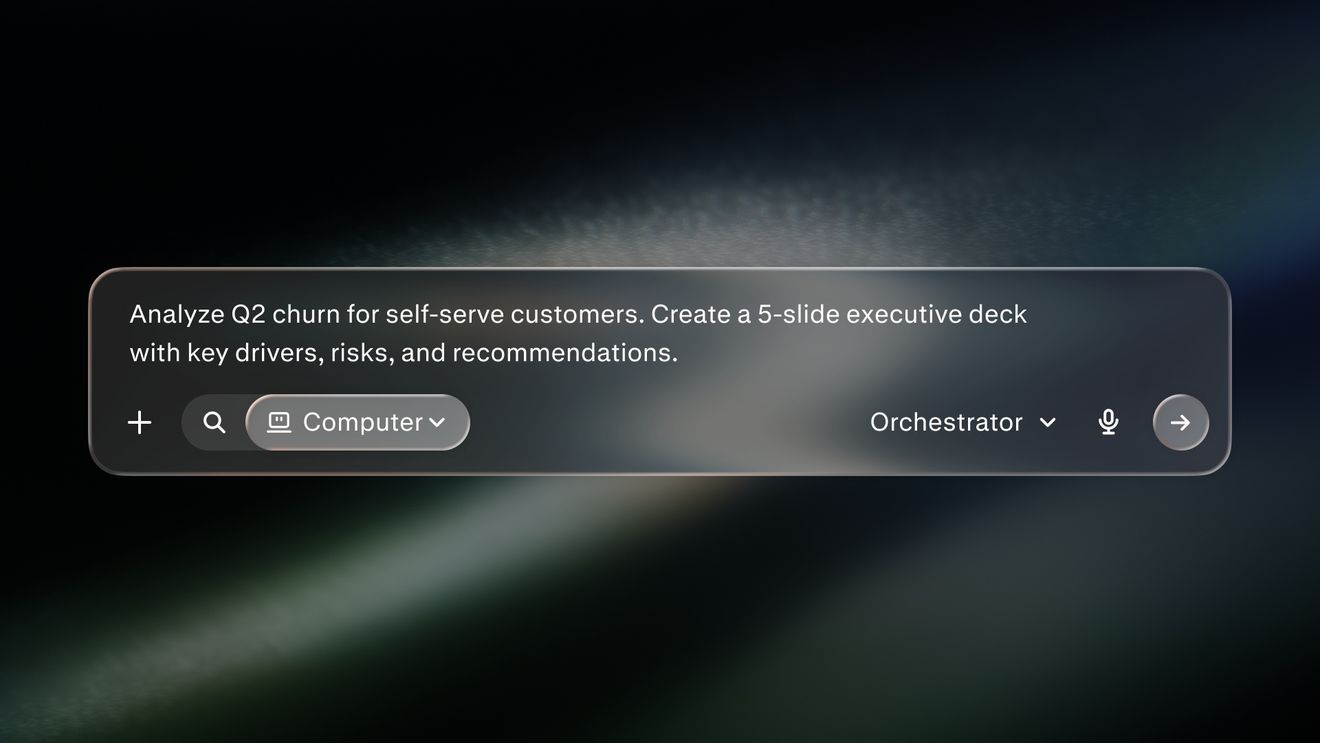 4 นาที
แนวปฏิบัติที่ดีที่สุดสำหรับ Perplexity Computer query
แสดงวิธีเขียนคำค้นหาที่มุ่งเน้นพร้อมงาน บริบท และผลลัพธ์ที่ชัดเจน
เริ่มต้นใช้งาน 2 นาที
Perplexity Computer คืออะไร
แนะนำ Computer ในฐานะผู้ประสานงาน AI ที่วางแผน ค้นคว้า และส่งมอบงานหลายขั้นตอน
เริ่มต้นใช้งาน 3 นาที
Personal Computer สำหรับ Mac
อธิบายวิธีที่ Personal Computer ทำงานข้ามไฟล์ในเครื่อง แอป และตัวเชื่อมต่อของคุณ
เริ่มต้นใช้งาน 4 นาที
Search vs Computer
อธิบายเวลาที่ควรใช้ Perplexity Search และเวลาที่ควรใช้แพลตฟอร์มเอเจนต์ Computer
เริ่มต้นใช้งานพร้อมก้าวไปสู่ขั้นต่อไปแล้วหรือยัง?
ค้นพบว่า Perplexity สามารถเปลี่ยนวิธีการทำงานของคุณได้อย่างไร
ลองใช้ Perplexity