.%20Same%20paths%20and%20fill;%20only%20the%20viewBox%20is%20cropped%20to%20the%20file's%20own%20clip%20rect%20so%20the%20bar%20sets%20the%20clear%20space.%20--%3e%3csvg%20width='480.615'%20height='97.3693'%20viewBox='97%2078%20480.615%2097.3693'%20fill='none'%20xmlns='http://www.w3.org/2000/svg'%3e%3cg%20clip-path='url(%23clip0_1709_25672)'%3e%3cpath%20d='M507.64%20157.772C497.197%20157.772%20490.907%20152.963%20490.907%20141.818V78H503.605V97.3565H530.187L547.394%20137.712L562.584%2097.3565H577.062L544.784%20175.369H530.424L540.63%20151.907L521.406%20108.501H503.605V139.941C503.605%20144.751%20505.741%20146.628%20510.725%20146.628H522.236V157.772H507.64Z'%20fill='%23121516'/%3e%3cpath%20d='M467.845%20157.772V97.3565H480.543V157.772H467.845ZM467.489%2091.139V78H480.899V91.139H467.489Z'%20fill='%23121516'/%3e%3cpath%20d='M404.356%20157.772L425.005%20126.215L405.899%2097.3566H421.089L433.549%20118.004L446.128%2097.3566H461.318L442.212%20126.215L462.861%20157.772H447.671L433.549%20134.779L419.546%20157.772H404.356Z'%20fill='%23121516'/%3e%3cpath%20d='M377.834%20159.532C359.915%20159.532%20348.285%20146.745%20348.285%20127.271C348.285%20108.501%20360.034%2095.5968%20377.122%2095.5968C394.329%2095.5968%20405.84%20107.445%20405.84%20125.16C405.84%20127.858%20405.722%20129.852%20405.366%20131.494H361.458C362.17%20142.874%20367.747%20148.974%20377.953%20148.974C385.31%20148.974%20390.176%20145.689%20391.956%20139.237H404.891C402.043%20151.907%20391.837%20159.532%20377.834%20159.532ZM361.458%20121.64H392.905C392.193%20111.317%20386.853%20106.155%20377.122%20106.155C367.984%20106.155%20362.288%20111.903%20361.458%20121.64Z'%20fill='%23121516'/%3e%3cpath%20d='M328.431%20157.772V78H341.128V157.772H328.431Z'%20fill='%23121516'/%3e%3cpath%20d='M263.88%20175.369V97.3565H276.578V103.457C280.375%2098.4123%20287.021%2095.5968%20294.853%2095.5968C311.111%2095.5968%20321.316%20107.915%20321.316%20127.506C321.316%20147.097%20311.111%20159.532%20294.853%20159.532C287.021%20159.532%20280.375%20156.717%20276.578%20151.672V175.369H263.88ZM292.123%20148.035C302.685%20148.035%20308.263%20140.997%20308.263%20127.506C308.263%20114.132%20302.685%20107.093%20292.123%20107.093C281.443%20107.093%20275.866%20114.132%20275.866%20127.506C275.866%20140.997%20281.443%20148.035%20292.123%20148.035Z'%20fill='%23121516'/%3e%3cpath%20d='M224.479%20157.772V97.3566H237.176V103.809C239.55%2099.7028%20244.178%2097.3566%20249.874%2097.3566H258.181V109.322H249.874C241.092%20109.322%20237.176%20113.546%20237.176%20122.931V157.772H224.479Z'%20fill='%23121516'/%3e%3cpath%20d='M188.82%20159.532C170.9%20159.532%20159.271%20146.745%20159.271%20127.271C159.271%20108.501%20171.019%2095.5968%20188.107%2095.5968C205.315%2095.5968%20216.825%20107.445%20216.825%20125.16C216.825%20127.858%20216.706%20129.852%20216.35%20131.494H172.443C173.155%20142.874%20178.733%20148.974%20188.938%20148.974C196.296%20148.974%20201.161%20145.689%20202.941%20139.237H215.876C213.028%20151.907%20202.823%20159.532%20188.82%20159.532ZM172.443%20121.64H203.891C203.179%20111.317%20197.838%20106.155%20188.107%20106.155C178.97%20106.155%20173.274%20111.903%20172.443%20121.64Z'%20fill='%23121516'/%3e%3cpath%20d='M97%20175.369V97.3565H109.698V103.457C113.495%2098.4123%20120.141%2095.5968%20127.973%2095.5968C144.231%2095.5968%20154.436%20107.915%20154.436%20127.506C154.436%20147.097%20144.231%20159.532%20127.973%20159.532C120.141%20159.532%20113.495%20156.717%20109.698%20151.672V175.369H97ZM125.244%20148.035C135.805%20148.035%20141.383%20140.997%20141.383%20127.506C141.383%20114.132%20135.805%20107.093%20125.244%20107.093C114.563%20107.093%20108.986%20114.132%20108.986%20127.506C108.986%20140.997%20114.563%20148.035%20125.244%20148.035Z'%20fill='%23121516'/%3e%3c/g%3e%3cdefs%3e%3cclipPath%20id='clip0_1709_25672'%3e%3crect%20width='480.615'%20height='97.3693'%20fill='white'%20transform='translate(97%2078)'/%3e%3c/clipPath%3e%3c/defs%3e%3c/svg%3e)
아카데미 동영상
정확하고 사용하기 쉬운 AI로 더 빠르게 리서치하고, 반복 작업을 자동화하며, 프레젠테이션 자료부터 웹사이트까지 만들어보는 방법을 배워보세요.
 3분
3분Microsoft Teams에서의 Perplexity Computer
Teams 채널 및 직접 메시지에서 Computer 작업을 실행하는 방법을 보여줍니다.
시작하기 3분
3분Computer 분석 사용법
조직 전체에서 Perplexity Computer가 사용되는 방식을 확인하는 방법을 알아보세요.
시작하기 3분
3분Computer 스킬 사용 방법
스킬을 통해 반복적인 지침을 Computer가 일관되게 따를 수 있는 재사용 가능한 워크플로우로 전환하는 방법을 설명합니다.
시작하기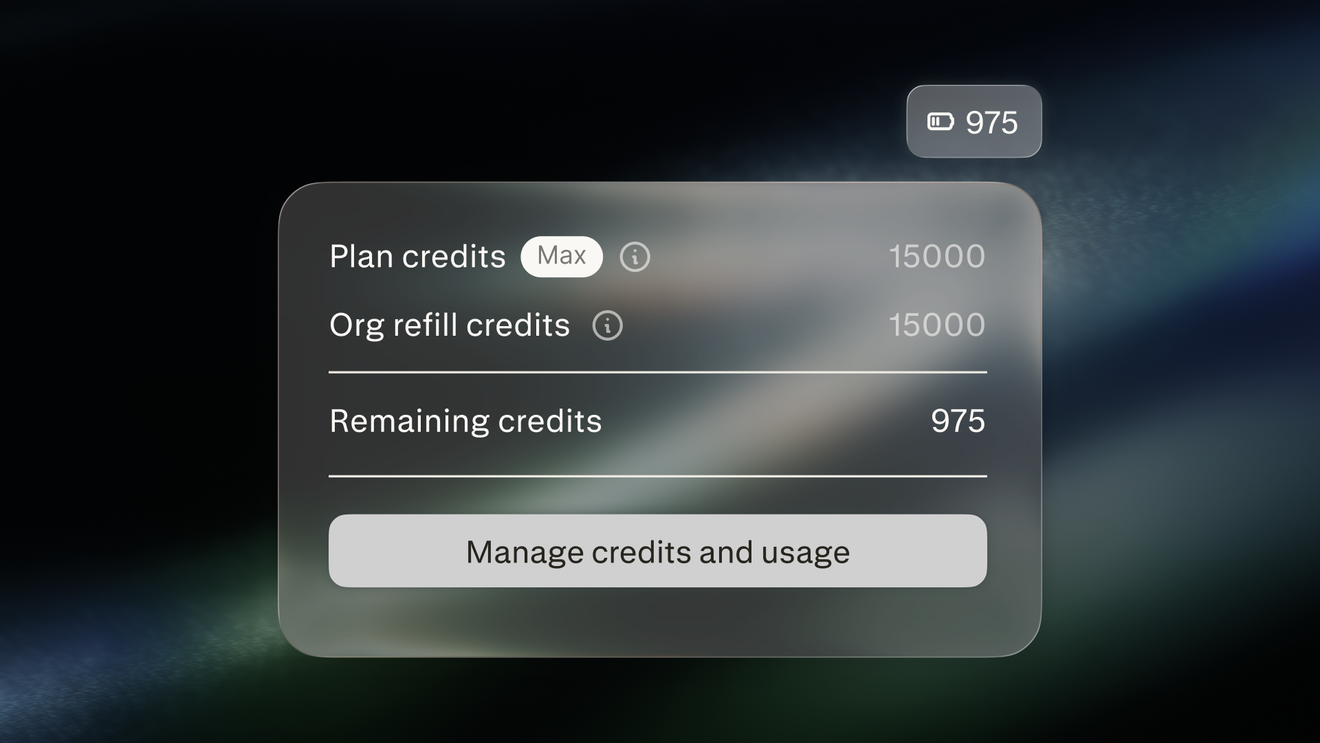 3분
3분Computer 크레딧 관리
Computer 크레딧이 조직을 위한 Computer의 작업에 어떻게 자금을 지원하며, 관리자가 이를 어떻게 관리하는지 알아보세요.
시작하기 4분
4분자동화 사용 방법
Computer로 지속적인 작업을 자동화하는 방법을 알아보세요.
시작하기 3분
3분커넥터 사용 방법
커넥터를 통해 Computer가 귀사의 비즈니스 도구와 데이터에 어떻게 접근하는지 보여줍니다.
시작하기 3분
3분Mac용 Personal Computer
Personal Computer가 로컬 파일, 앱, 커넥터 전반에서 어떻게 작동하는지 설명합니다.
시작하기 3분
3분Slack 내 Perplexity Computer
Slack DM, 채널 및 스레드에서 Computer 작업을 실행하는 방법을 보여줍니다.
시작하기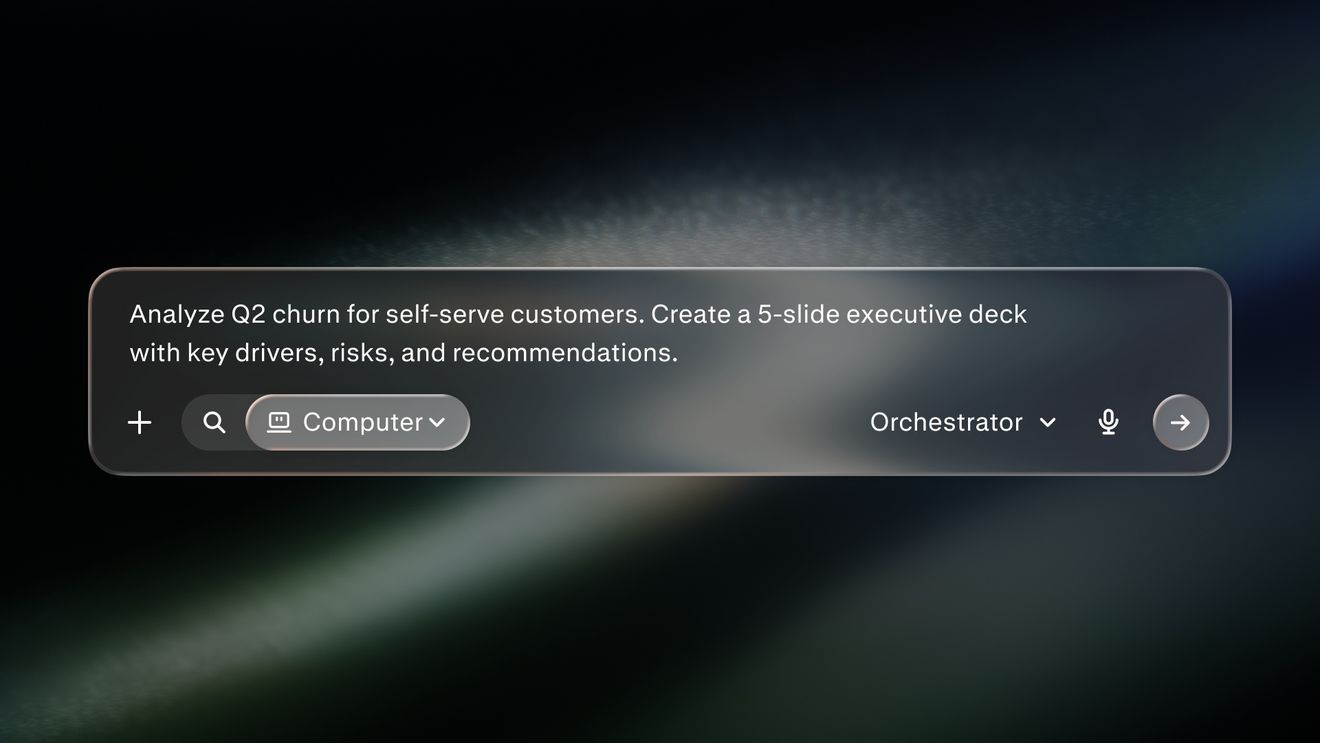 4분
4분Perplexity Computer 쿼리 모범 사례
명확한 작업, 컨텍스트 및 결과물을 포함하여 집중적인 쿼리를 작성하는 방법을 보여줍니다.
시작하기 2분
2분Perplexity Computer란 무엇인가요?
다단계 작업을 계획, 조사 및 수행하는 AI 오케스트레이터로서의 Computer를 소개합니다.
시작하기 4분
4분Search 대 Computer
Perplexity Search 사용 시기와 에이전트 플랫폼 Computer 사용 시기를 설명합니다.
시작하기다음 단계로 나아갈 준비가 되셨나요?
Perplexity가 당신의 업무 방식을 어떻게 바꿀 수 있는지 알아보세요
Perplexity 사용해 보기