.%20Same%20paths%20and%20fill;%20only%20the%20viewBox%20is%20cropped%20to%20the%20file's%20own%20clip%20rect%20so%20the%20bar%20sets%20the%20clear%20space.%20--%3e%3csvg%20width='480.615'%20height='97.3693'%20viewBox='97%2078%20480.615%2097.3693'%20fill='none'%20xmlns='http://www.w3.org/2000/svg'%3e%3cg%20clip-path='url(%23clip0_1709_25672)'%3e%3cpath%20d='M507.64%20157.772C497.197%20157.772%20490.907%20152.963%20490.907%20141.818V78H503.605V97.3565H530.187L547.394%20137.712L562.584%2097.3565H577.062L544.784%20175.369H530.424L540.63%20151.907L521.406%20108.501H503.605V139.941C503.605%20144.751%20505.741%20146.628%20510.725%20146.628H522.236V157.772H507.64Z'%20fill='%23121516'/%3e%3cpath%20d='M467.845%20157.772V97.3565H480.543V157.772H467.845ZM467.489%2091.139V78H480.899V91.139H467.489Z'%20fill='%23121516'/%3e%3cpath%20d='M404.356%20157.772L425.005%20126.215L405.899%2097.3566H421.089L433.549%20118.004L446.128%2097.3566H461.318L442.212%20126.215L462.861%20157.772H447.671L433.549%20134.779L419.546%20157.772H404.356Z'%20fill='%23121516'/%3e%3cpath%20d='M377.834%20159.532C359.915%20159.532%20348.285%20146.745%20348.285%20127.271C348.285%20108.501%20360.034%2095.5968%20377.122%2095.5968C394.329%2095.5968%20405.84%20107.445%20405.84%20125.16C405.84%20127.858%20405.722%20129.852%20405.366%20131.494H361.458C362.17%20142.874%20367.747%20148.974%20377.953%20148.974C385.31%20148.974%20390.176%20145.689%20391.956%20139.237H404.891C402.043%20151.907%20391.837%20159.532%20377.834%20159.532ZM361.458%20121.64H392.905C392.193%20111.317%20386.853%20106.155%20377.122%20106.155C367.984%20106.155%20362.288%20111.903%20361.458%20121.64Z'%20fill='%23121516'/%3e%3cpath%20d='M328.431%20157.772V78H341.128V157.772H328.431Z'%20fill='%23121516'/%3e%3cpath%20d='M263.88%20175.369V97.3565H276.578V103.457C280.375%2098.4123%20287.021%2095.5968%20294.853%2095.5968C311.111%2095.5968%20321.316%20107.915%20321.316%20127.506C321.316%20147.097%20311.111%20159.532%20294.853%20159.532C287.021%20159.532%20280.375%20156.717%20276.578%20151.672V175.369H263.88ZM292.123%20148.035C302.685%20148.035%20308.263%20140.997%20308.263%20127.506C308.263%20114.132%20302.685%20107.093%20292.123%20107.093C281.443%20107.093%20275.866%20114.132%20275.866%20127.506C275.866%20140.997%20281.443%20148.035%20292.123%20148.035Z'%20fill='%23121516'/%3e%3cpath%20d='M224.479%20157.772V97.3566H237.176V103.809C239.55%2099.7028%20244.178%2097.3566%20249.874%2097.3566H258.181V109.322H249.874C241.092%20109.322%20237.176%20113.546%20237.176%20122.931V157.772H224.479Z'%20fill='%23121516'/%3e%3cpath%20d='M188.82%20159.532C170.9%20159.532%20159.271%20146.745%20159.271%20127.271C159.271%20108.501%20171.019%2095.5968%20188.107%2095.5968C205.315%2095.5968%20216.825%20107.445%20216.825%20125.16C216.825%20127.858%20216.706%20129.852%20216.35%20131.494H172.443C173.155%20142.874%20178.733%20148.974%20188.938%20148.974C196.296%20148.974%20201.161%20145.689%20202.941%20139.237H215.876C213.028%20151.907%20202.823%20159.532%20188.82%20159.532ZM172.443%20121.64H203.891C203.179%20111.317%20197.838%20106.155%20188.107%20106.155C178.97%20106.155%20173.274%20111.903%20172.443%20121.64Z'%20fill='%23121516'/%3e%3cpath%20d='M97%20175.369V97.3565H109.698V103.457C113.495%2098.4123%20120.141%2095.5968%20127.973%2095.5968C144.231%2095.5968%20154.436%20107.915%20154.436%20127.506C154.436%20147.097%20144.231%20159.532%20127.973%20159.532C120.141%20159.532%20113.495%20156.717%20109.698%20151.672V175.369H97ZM125.244%20148.035C135.805%20148.035%20141.383%20140.997%20141.383%20127.506C141.383%20114.132%20135.805%20107.093%20125.244%20107.093C114.563%20107.093%20108.986%20114.132%20108.986%20127.506C108.986%20140.997%20114.563%20148.035%20125.244%20148.035Z'%20fill='%23121516'/%3e%3c/g%3e%3cdefs%3e%3cclipPath%20id='clip0_1709_25672'%3e%3crect%20width='480.615'%20height='97.3693'%20fill='white'%20transform='translate(97%2078)'/%3e%3c/clipPath%3e%3c/defs%3e%3c/svg%3e)
Mulai belajar
Perplexity Academy
Video Academy untuk pengguna baru, pengguna mahir, dan admin.
Buka videoVideo Academy
Pelajari cara meneliti lebih cepat, mengotomatiskan tugas berulang, dan membangun segalanya mulai dari dek hingga situs web dengan AI yang akurat dan mudah digunakan.
 3 MENIT
Perplexity Computer di Microsoft Teams
Menunjukkan cara menjalankan tugas Computer dari saluran Teams dan pesan langsung.
Mulai 2 MENIT
Apa itu Perplexity Computer?
Memperkenalkan Computer sebagai orkestrator AI yang merencanakan, meriset, dan menghasilkan pekerjaan multi-langkah.
Mulai 3 MENIT
Cara menggunakan Konektor
Menunjukkan bagaimana konektor memberikan akses kepada Computer ke alat dan data bisnis Anda.
Mulai 4 MENIT
Cara menggunakan Otomasi
Pelajari cara mengotomatiskan pekerjaan yang sedang berjalan dengan Computer.
Mulai 3 MENIT
Cara menggunakan Skill Computer
Menjelaskan cara Skill mengubah instruksi berulang menjadi alur kerja yang dapat digunakan kembali dan diikuti oleh Computer secara konsisten.
Mulai 3 MENIT
Cara menggunakan analitik Computer
Pelajari cara melihat penggunaan Perplexity Computer di seluruh organisasi Anda.
Mulai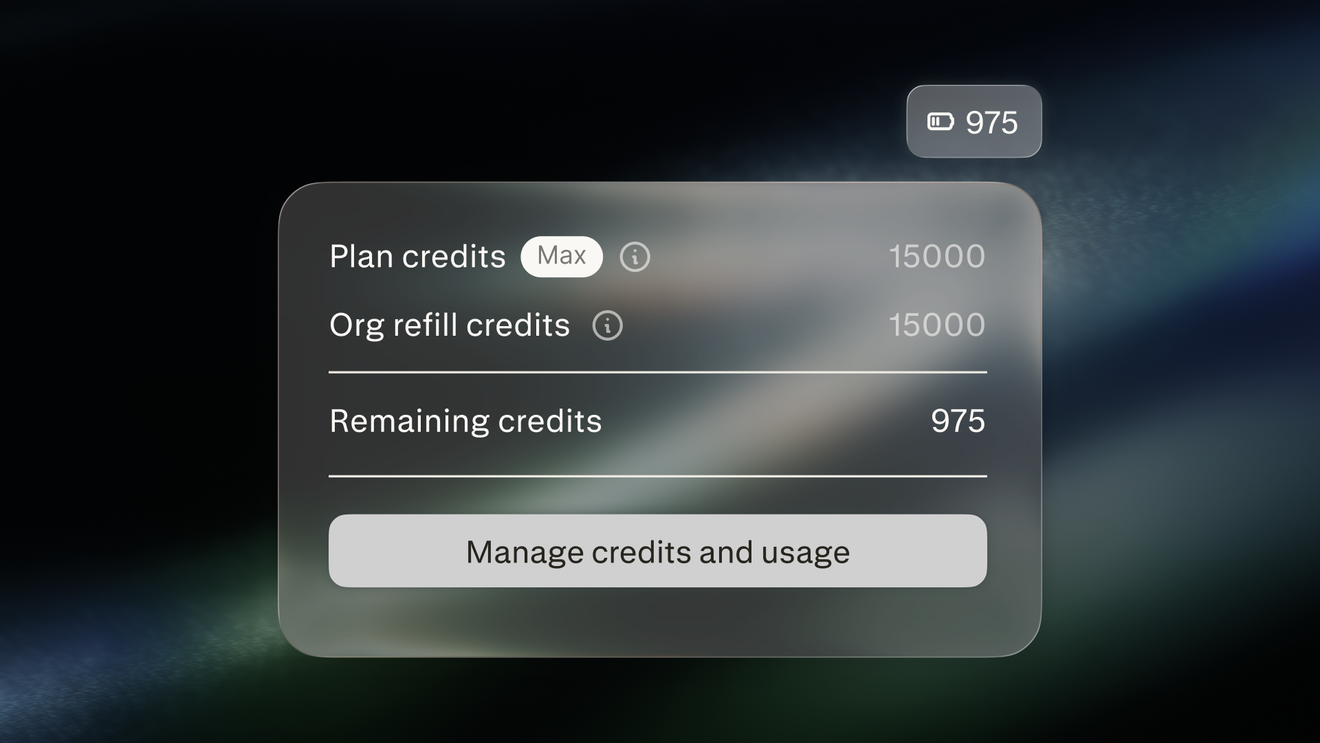 3 MENIT
Mengelola kredit Computer
Pelajari bagaimana kredit Computer mendanai pekerjaan yang dilakukan Computer untuk organisasi dan bagaimana admin mengelolanya
Mulai 3 MENIT
Perplexity Computer di Slack
Menunjukkan cara menjalankan tugas Computer dari DM, saluran, dan utas Slack.
Mulai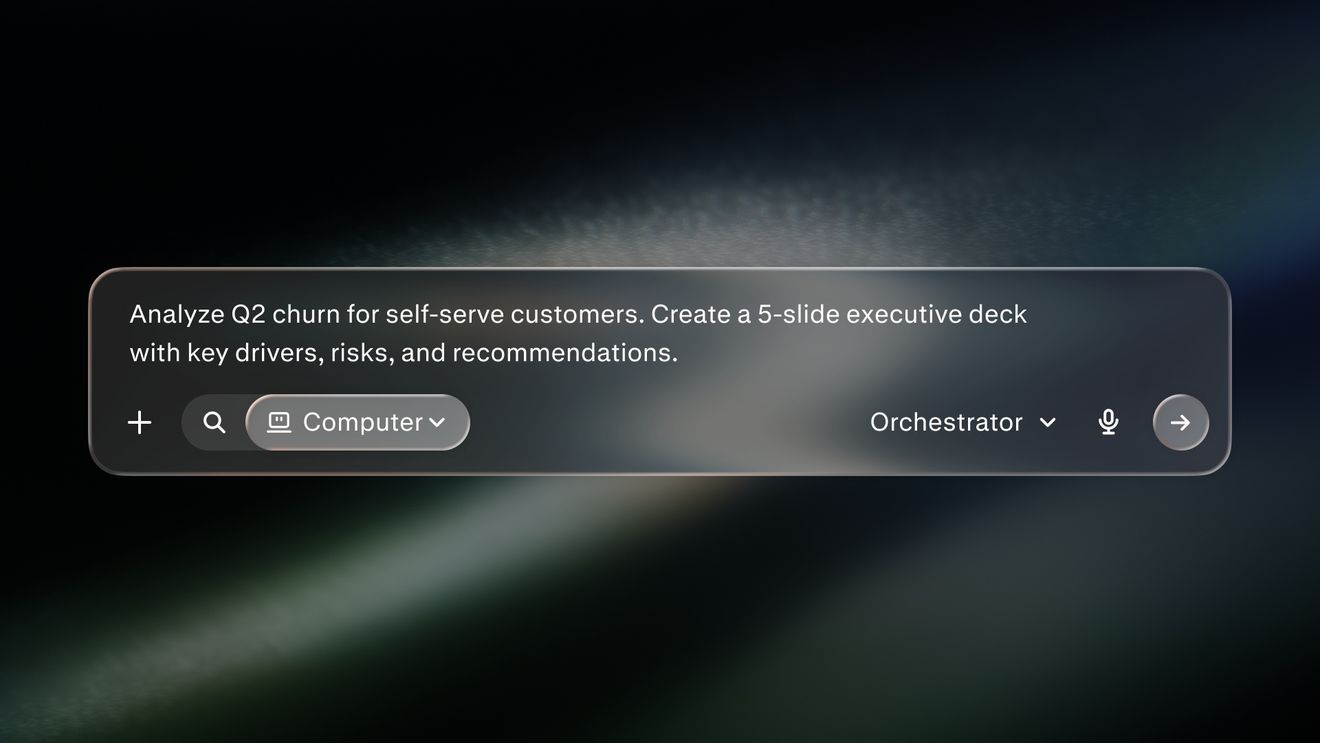 4 MENIT
Praktik terbaik kueri Perplexity Computer
Menunjukkan cara menulis kueri terfokus dengan tugas, konteks, dan output yang jelas.
Mulai 3 MENIT
Personal Computer untuk Mac
Menjelaskan cara kerja Personal Computer di file lokal, aplikasi, dan konektor Anda.
Mulai 4 MENIT
Search vs Computer
Menjelaskan kapan harus menggunakan Perplexity Search dan kapan harus menggunakan platform agen Computer
MulaiSiap mengambil langkah berikutnya?
Temukan bagaimana Perplexity dapat mengubah cara Anda bekerja
Coba Perplexity