.%20Same%20paths%20and%20fill;%20only%20the%20viewBox%20is%20cropped%20to%20the%20file's%20own%20clip%20rect%20so%20the%20bar%20sets%20the%20clear%20space.%20--%3e%3csvg%20width='480.615'%20height='97.3693'%20viewBox='97%2078%20480.615%2097.3693'%20fill='none'%20xmlns='http://www.w3.org/2000/svg'%3e%3cg%20clip-path='url(%23clip0_1709_25672)'%3e%3cpath%20d='M507.64%20157.772C497.197%20157.772%20490.907%20152.963%20490.907%20141.818V78H503.605V97.3565H530.187L547.394%20137.712L562.584%2097.3565H577.062L544.784%20175.369H530.424L540.63%20151.907L521.406%20108.501H503.605V139.941C503.605%20144.751%20505.741%20146.628%20510.725%20146.628H522.236V157.772H507.64Z'%20fill='%23121516'/%3e%3cpath%20d='M467.845%20157.772V97.3565H480.543V157.772H467.845ZM467.489%2091.139V78H480.899V91.139H467.489Z'%20fill='%23121516'/%3e%3cpath%20d='M404.356%20157.772L425.005%20126.215L405.899%2097.3566H421.089L433.549%20118.004L446.128%2097.3566H461.318L442.212%20126.215L462.861%20157.772H447.671L433.549%20134.779L419.546%20157.772H404.356Z'%20fill='%23121516'/%3e%3cpath%20d='M377.834%20159.532C359.915%20159.532%20348.285%20146.745%20348.285%20127.271C348.285%20108.501%20360.034%2095.5968%20377.122%2095.5968C394.329%2095.5968%20405.84%20107.445%20405.84%20125.16C405.84%20127.858%20405.722%20129.852%20405.366%20131.494H361.458C362.17%20142.874%20367.747%20148.974%20377.953%20148.974C385.31%20148.974%20390.176%20145.689%20391.956%20139.237H404.891C402.043%20151.907%20391.837%20159.532%20377.834%20159.532ZM361.458%20121.64H392.905C392.193%20111.317%20386.853%20106.155%20377.122%20106.155C367.984%20106.155%20362.288%20111.903%20361.458%20121.64Z'%20fill='%23121516'/%3e%3cpath%20d='M328.431%20157.772V78H341.128V157.772H328.431Z'%20fill='%23121516'/%3e%3cpath%20d='M263.88%20175.369V97.3565H276.578V103.457C280.375%2098.4123%20287.021%2095.5968%20294.853%2095.5968C311.111%2095.5968%20321.316%20107.915%20321.316%20127.506C321.316%20147.097%20311.111%20159.532%20294.853%20159.532C287.021%20159.532%20280.375%20156.717%20276.578%20151.672V175.369H263.88ZM292.123%20148.035C302.685%20148.035%20308.263%20140.997%20308.263%20127.506C308.263%20114.132%20302.685%20107.093%20292.123%20107.093C281.443%20107.093%20275.866%20114.132%20275.866%20127.506C275.866%20140.997%20281.443%20148.035%20292.123%20148.035Z'%20fill='%23121516'/%3e%3cpath%20d='M224.479%20157.772V97.3566H237.176V103.809C239.55%2099.7028%20244.178%2097.3566%20249.874%2097.3566H258.181V109.322H249.874C241.092%20109.322%20237.176%20113.546%20237.176%20122.931V157.772H224.479Z'%20fill='%23121516'/%3e%3cpath%20d='M188.82%20159.532C170.9%20159.532%20159.271%20146.745%20159.271%20127.271C159.271%20108.501%20171.019%2095.5968%20188.107%2095.5968C205.315%2095.5968%20216.825%20107.445%20216.825%20125.16C216.825%20127.858%20216.706%20129.852%20216.35%20131.494H172.443C173.155%20142.874%20178.733%20148.974%20188.938%20148.974C196.296%20148.974%20201.161%20145.689%20202.941%20139.237H215.876C213.028%20151.907%20202.823%20159.532%20188.82%20159.532ZM172.443%20121.64H203.891C203.179%20111.317%20197.838%20106.155%20188.107%20106.155C178.97%20106.155%20173.274%20111.903%20172.443%20121.64Z'%20fill='%23121516'/%3e%3cpath%20d='M97%20175.369V97.3565H109.698V103.457C113.495%2098.4123%20120.141%2095.5968%20127.973%2095.5968C144.231%2095.5968%20154.436%20107.915%20154.436%20127.506C154.436%20147.097%20144.231%20159.532%20127.973%20159.532C120.141%20159.532%20113.495%20156.717%20109.698%20151.672V175.369H97ZM125.244%20148.035C135.805%20148.035%20141.383%20140.997%20141.383%20127.506C141.383%20114.132%20135.805%20107.093%20125.244%20107.093C114.563%20107.093%20108.986%20114.132%20108.986%20127.506C108.986%20140.997%20114.563%20148.035%20125.244%20148.035Z'%20fill='%23121516'/%3e%3c/g%3e%3cdefs%3e%3cclipPath%20id='clip0_1709_25672'%3e%3crect%20width='480.615'%20height='97.3693'%20fill='white'%20transform='translate(97%2078)'/%3e%3c/clipPath%3e%3c/defs%3e%3c/svg%3e)
Introducing Hybrid Compute on Mac
Perplexity Computer uses cloud AI and local models on Mac, keeping sensitive files and information on the device.
Frontier AI runs in the cloud, where the biggest models handle the most complex work. Meanwhile, work on some of the most sensitive files, tools, and client records is best on a local machine.
Today, we’re introducing the best of both: hybrid compute on Mac.
In April, we announced Personal Computer, which lets Perplexity Computer work locally with the files and tools on a Mac. In the newest release of the Perplexity for Mac app, users can now add a compact local model post-trained for Perplexity Computer and choose to run tasks on device on their Mac.
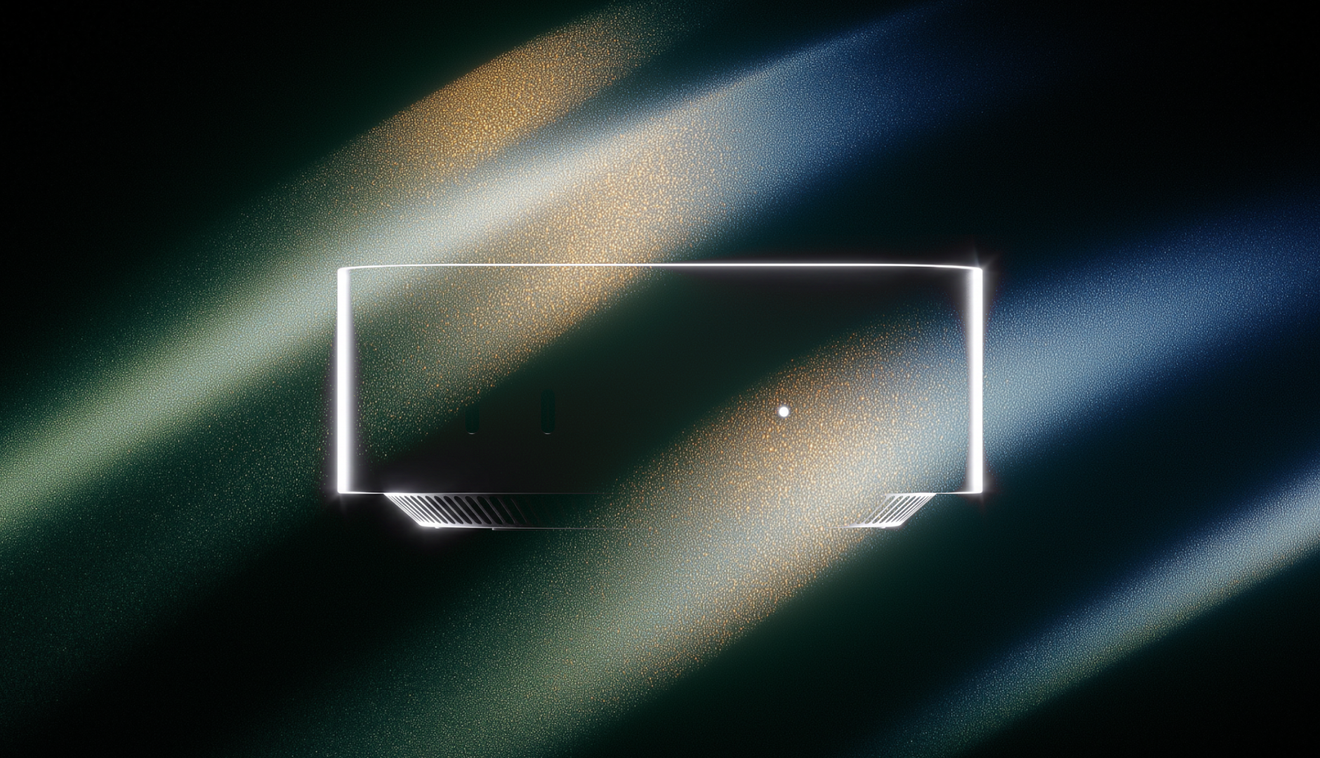
Apple’s new Mac mini and Mac Studio, announced last week, are ideal platforms for running hybrid compute. Computer uses the powerful performance of Apple silicon and unified memory for fast, efficient local AI and agentic processing.
Perplexity Computer works with iPhone. Users can send prompts from anywhere while the local model runs on their Mac, analyzing their most sensitive data privately and entirely on device.
Hybrid makes it safe to orchestrate confidential work
Hybrid compute lets a user work with AI on data that should never leave their device by dividing each task between the cloud and a local model on their Mac. A privacy gate on the Mac controls what may leave the machine. Before information from a protected file reaches the cloud, the privacy gate can mask sensitive details, keep it local, refuse the action, or ask for consent.
The cloud handles frontier reasoning, web search, and planning, while the local model on the Mac processes private files, sensitive information, and on-device actions needed at every step. Computer coordinates the entire workflow, so the user never has to split tasks into separate prompts or move information between tools.
Important work always includes something sensitive
The hybrid split between cloud and on device is useful for many industries. Professionals often require the research and reasoning power of cloud AI, but they’re also working with client data and other sensitive information that has to stay local.
In finance, Computer can help investment teams do diligence on a prospect company by assembling public filings, comparables, and market data in the cloud. On the Mac, a local model cross-references the confidential deal documents and material non-public information. It extracts key terms and financial assumptions from those files, then flags discrepancies with the web research.
Or, an ad agency needs to research audience demographics and cultural trends on the web for a pitch. Computer can compare those insights with draft creative stored locally on the Mac. The local model reviews the copy and visual concepts, then identifies where the creative diverges from the market insights. The creative team gets direction from insights, while the brand’s plans and embargoed assets stay on a Mac.
With hybrid compute on Mac, lawyers can research case law on the web while routing AI-powered summaries of privileged files to the local model on their Mac. A local model extracts the relevant facts, turns them into anonymized research questions, and updates the draft brief with the findings.
Private information stays local and protected
Hybrid compute’s privacy gate includes an on-device Perplexity classifier that identifies sensitive details like names, addresses, account numbers, and secrets before they leave the Mac. It uses those classifications to determine which safeguards to apply.
Details like credentials, payment card numbers, and government IDs receive the strictest protection. The privacy gate can keep them local, refuse the action, or rewrite the request so the cloud model can continue without the protected information.
Hybrid enables admin controls and audits for organizations
We believe bringing AI into sensitive work in a secure way will reshape how people work and Hybrid compute on Mac is enterprise-ready. For Perplexity Enterprise subscribers, admins can set organization-wide rules for what must stay on the Mac, what may be masked before cloud use, and what requires user approval before going to the cloud.
Admins can also audit when information leaves a device. This gives legal, healthcare, financial, and other teams a consistent way to use Computer for sensitive work.
Hybrid launches with three local models
Hybrid compute on Mac is now available to Perplexity Pro, Max, and Enterprise subscribers. It’s launching with three local models: Gemma 4 E4B, Qwen3.6 35B-A3B, and a Perplexity model.
It works on any Apple silicon Mac running macOS 15+ with at least 24GB of unified memory, which means a broad range of users can use hybrid inference on the Mac they already own.
Customers who want to be able to access local inference from anywhere can run Perplexity Computer on a dedicated Mac mini. It’s always on and can be remotely controlled from the iPhone.
To get started with hybrid compute:
- Download and open the latest Perplexity Mac app.
- Download a local model in one click.
- Open the model selector, select hybrid, then choose the local and cloud models for the task.
Try hybrid compute on Mac today.