Turn support tickets into a team playbook

Turn support tickets into a team playbook

Turn support tickets into a team playbook

Apps & files

Apps & files

Connectors

Connectors

UX/Design

UX/Design

Tech

Tech

Business

Business

Overview

Overview

Overview

Computer can turn a weekend pile of support tickets into a structured Monday morning playbook for your entire support org. It triages every ticket by severity and routing, drafts customer responses calibrated to urgency and channel, writes escalation briefs for Security and Engineering leadership, and packages everything into a shareable Word doc for standup.

Computer can turn a weekend pile of support tickets into a structured Monday morning playbook for your entire support org. It triages every ticket by severity and routing, drafts customer responses calibrated to urgency and channel, writes escalation briefs for Security and Engineering leadership, and packages everything into a shareable Word doc for standup.

Computer can turn a weekend pile of support tickets into a structured Monday morning playbook for your entire support org. It triages every ticket by severity and routing, drafts customer responses calibrated to urgency and channel, writes escalation briefs for Security and Engineering leadership, and packages everything into a shareable Word doc for standup.

Query:

Query:

Query:

I'm the VP of Customer Support. I just walked in Monday morning and these 8 tickets came in over the weekend. I need you to: Triage all 8 tickets: Categorize, assign priority (P1-P4), route to the right team (Tier 1, Tier 2, Engineering, Security, Product, Finance), and flag any SLA risks. Draft customer responses for each ticket, appropriate to the severity and channel (email vs chat). For the critical ones, draft an initial acknowledgment AND a more detailed follow-up. Write a structured escalation brief for the two most critical tickets that I can forward directly to Engineering and Security leadership. Create a knowledge base article for the most common issue pattern you see (looks like SSO/SAML cert rotation is a recurring pain point). Produce a single Word document that serves as my "Monday Morning Brief" with everything above, formatted for sharing with my team in our standup. Prioritize by urgency and flag anything that could be a security incident.

I'm the VP of Customer Support. I just walked in Monday morning and these 8 tickets came in over the weekend. I need you to: Triage all 8 tickets: Categorize, assign priority (P1-P4), route to the right team (Tier 1, Tier 2, Engineering, Security, Product, Finance), and flag any SLA risks. Draft customer responses for each ticket, appropriate to the severity and channel (email vs chat). For the critical ones, draft an initial acknowledgment AND a more detailed follow-up. Write a structured escalation brief for the two most critical tickets that I can forward directly to Engineering and Security leadership. Create a knowledge base article for the most common issue pattern you see (looks like SSO/SAML cert rotation is a recurring pain point). Produce a single Word document that serves as my "Monday Morning Brief" with everything above, formatted for sharing with my team in our standup. Prioritize by urgency and flag anything that could be a security incident.

Key Output

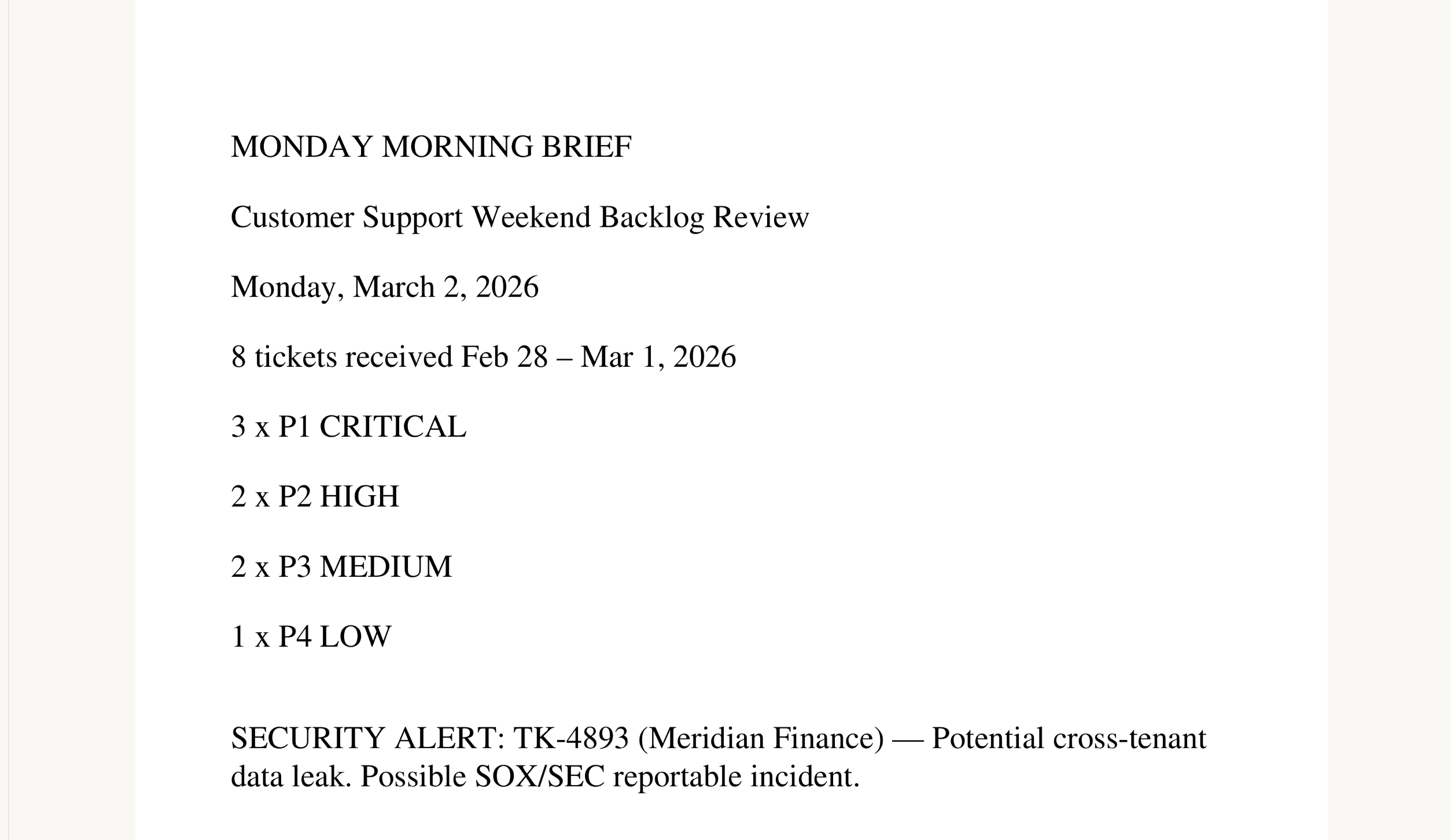
Computer parsed all eight weekend tickets, identified three P1 criticals (a potential cross‑tenant data leak with SOX/SEC exposure, an SSO/SAML lockout affecting 340 users, and broken API rate limits from Friday's deployment), two P2 highs (a $9,540 billing overcharge and dashboard performance degradation), two P3 mediums (a missing PDF export button and a HIPAA audit logging feature request blocking a six‑figure deal), and one P4 low (webhook setup how‑to).

It flagged the cross‑tenant data leak as the top security risk and routed each ticket to the correct team with SLA risk callouts.

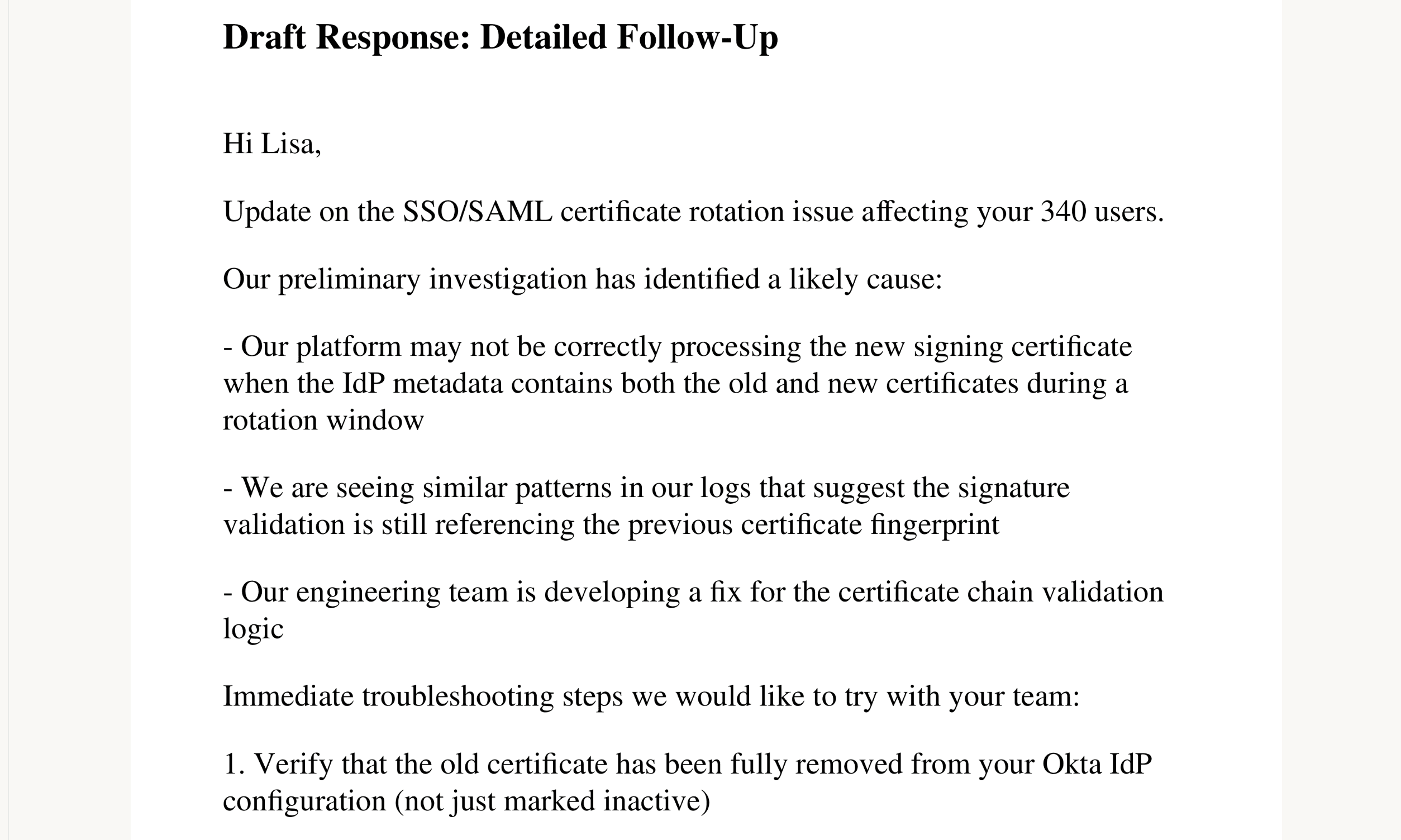
For every ticket, Computer drafted customer responses appropriate to channel and severity — the three P1s each received both an immediate acknowledgment and a detailed follow‑up, while lower‑priority tickets got single, channel‑appropriate responses. It then wrote two escalation briefs formatted to forward directly to Security and Engineering leadership, including impact assessments, reproduction steps, and specific asks with deadlines.

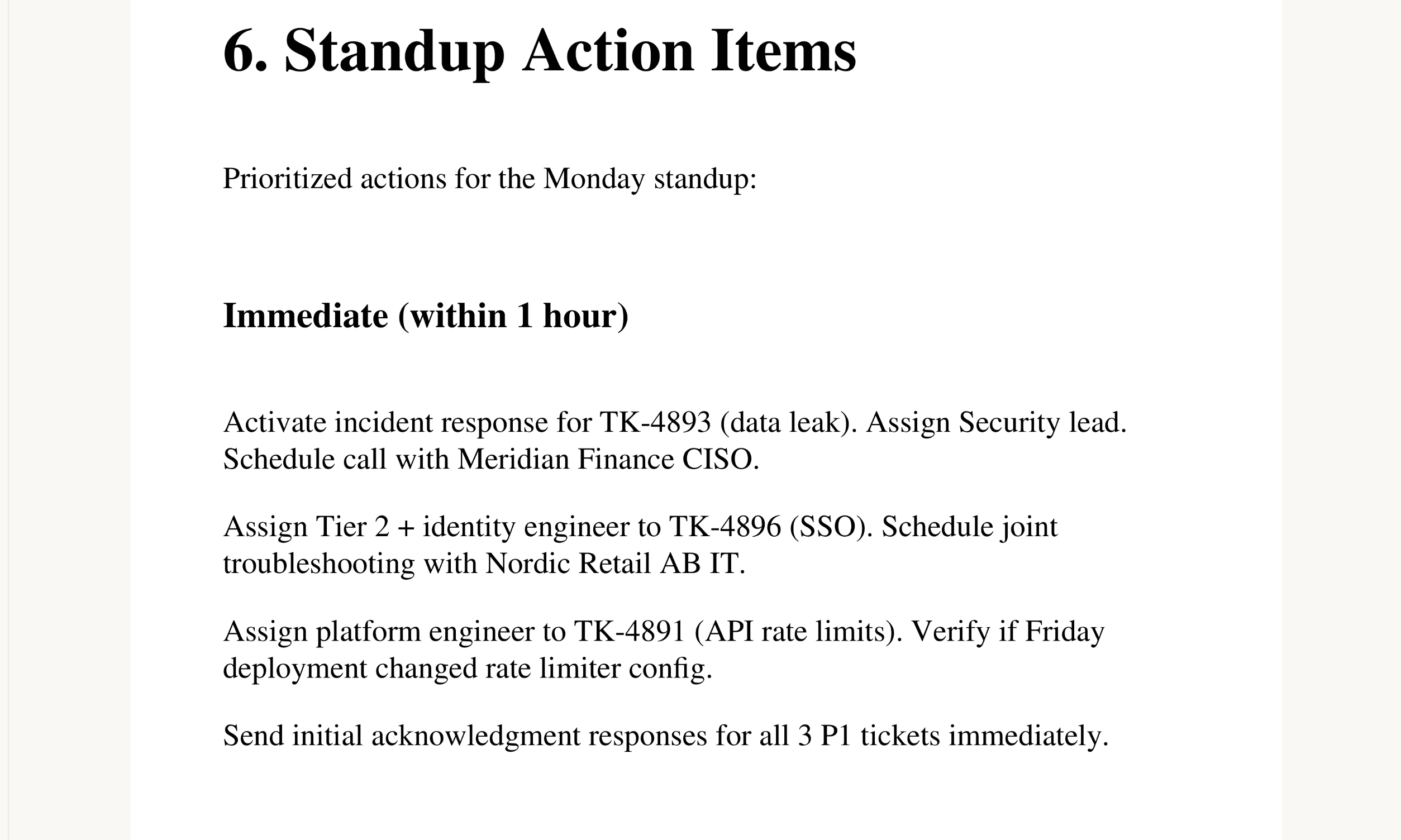
Recognizing SSO/SAML certificate rotation as a recurring pain point, Computer generated a complete knowledge base article with correct rotation procedures, recovery steps for locked‑out users, and common mistakes to avoid. All of this was packaged into a 22‑page Word document with an executive summary, triage matrix, ticket details, responses, escalation briefs, the KB article, and standup action items broken into "Immediate," "Today," and "This Week," ready to share with the team.
Tips

  • Lock in SLA definitions – Give Computer your specific SLA windows, for example: "P1 requires first response within 1 hour and resolution within 4 hours; flag any ticket at risk of breach."

  • Constrain escalation routing – Specify who owns what, for example: "Route data leaks to Security + VP Engineering; route billing issues to Finance Ops; route product gaps to Product VP with dollar‑value impact."

  • Define voice and tone – Set response guidelines, for example: "P1 acknowledgments are empathetic and action‑oriented; P4 responses are helpful and educational. Never promise a specific timeline without Engineering sign‑off."