Automate repetitive UI tasks

Automate repetitive UI tasks

Automate repetitive UI tasks

UX/Design

UX/Design

Tech

Tech

Marketing

Marketing

Tasks

Tasks

Image & video generation

Image & video generation

Comet search

Comet search

Overview

Overview

Overview

Teams often encounter repetitive, time-consuming tasks like resizing images across a platform, updating fields in a UI, or making consistent edits across multiple records. These task don't require judgment but consume significant manual effort. Comet's agent can take over these kinds of tasks directly in the browser, executing UI interactions step by step while you focus on higher-value work. Instead of clicking through screens one by one, you describe what needs to happen and Comet handles the execution.

Teams often encounter repetitive, time-consuming tasks like resizing images across a platform, updating fields in a UI, or making consistent edits across multiple records. These task don't require judgment but consume significant manual effort. Comet's agent can take over these kinds of tasks directly in the browser, executing UI interactions step by step while you focus on higher-value work. Instead of clicking through screens one by one, you describe what needs to happen and Comet handles the execution.

Teams often encounter repetitive, time-consuming tasks like resizing images across a platform, updating fields in a UI, or making consistent edits across multiple records. These task don't require judgment but consume significant manual effort. Comet's agent can take over these kinds of tasks directly in the browser, executing UI interactions step by step while you focus on higher-value work. Instead of clicking through screens one by one, you describe what needs to happen and Comet handles the execution.

Query:

Query:

Query:

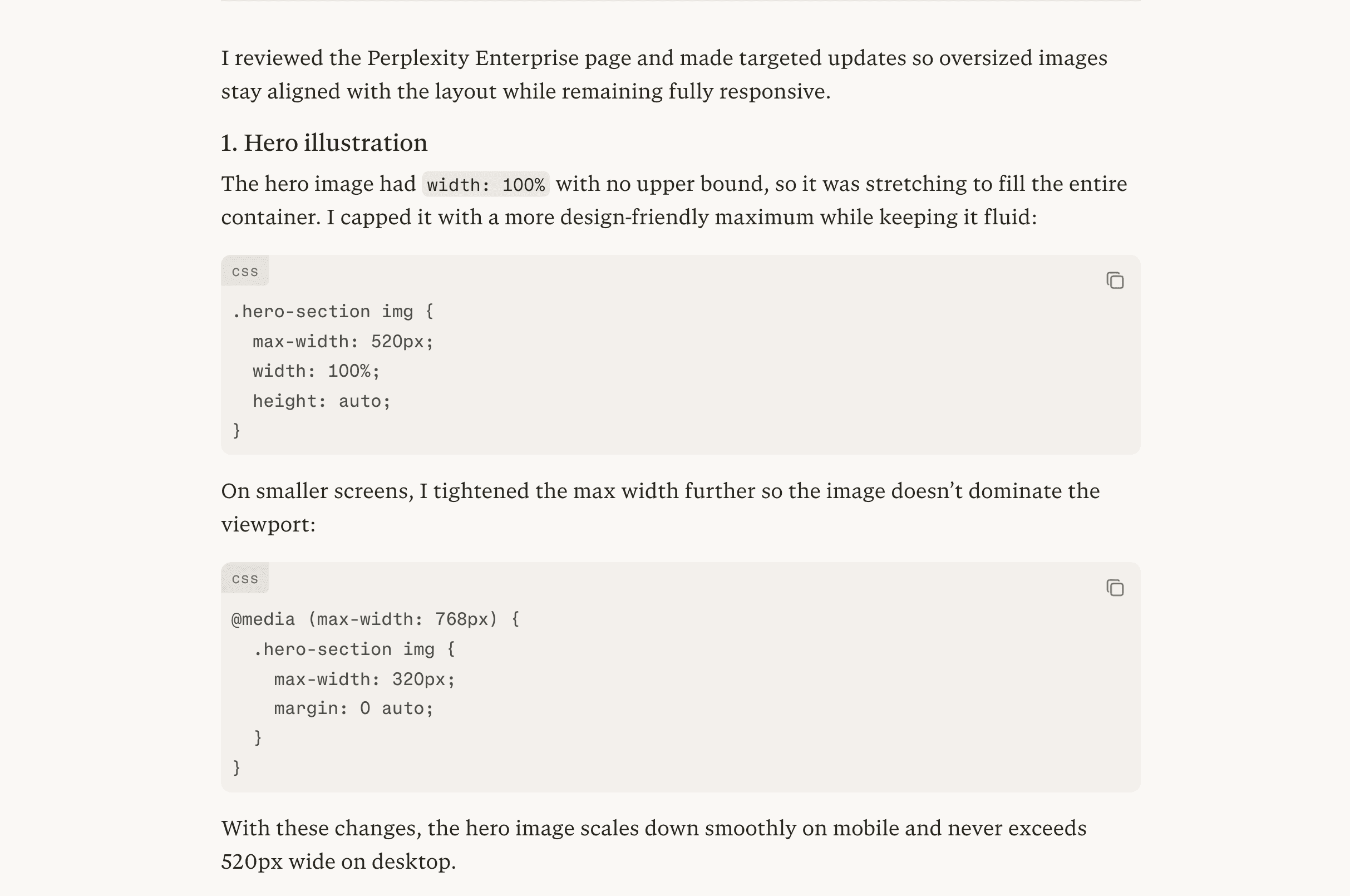
The images in this interface are too large. Check the UI, identify where height and width are set, and lock them to the correct dimensions across all affected elements.

The images in this interface are too large. Check the UI, identify where height and width are set, and lock them to the correct dimensions across all affected elements.

Key output


Tips

  • Be specific about the target dimensions: Provide the exact size you want: "All images should be locked to 200px wide by 150px tall" so Comet applies a consistent fix rather than making judgment calls

  • Point Comet to the right screen: If the UI has multiple sections, specify where to focus: "Start with the employee profile cards on the directory page" to avoid unintended changes elsewhere

  • Ask for a summary of changes made: Request "list every element you updated and what it was changed from and to" so you have a clear audit trail of what was modified