Automate multi-tab form submissions

Automate multi-tab form submissions

Automate multi-tab form submissions

Business

Business

Healthcare

Healthcare

Tasks

Tasks

Comet search

Comet search

Overview

Overview

Overview

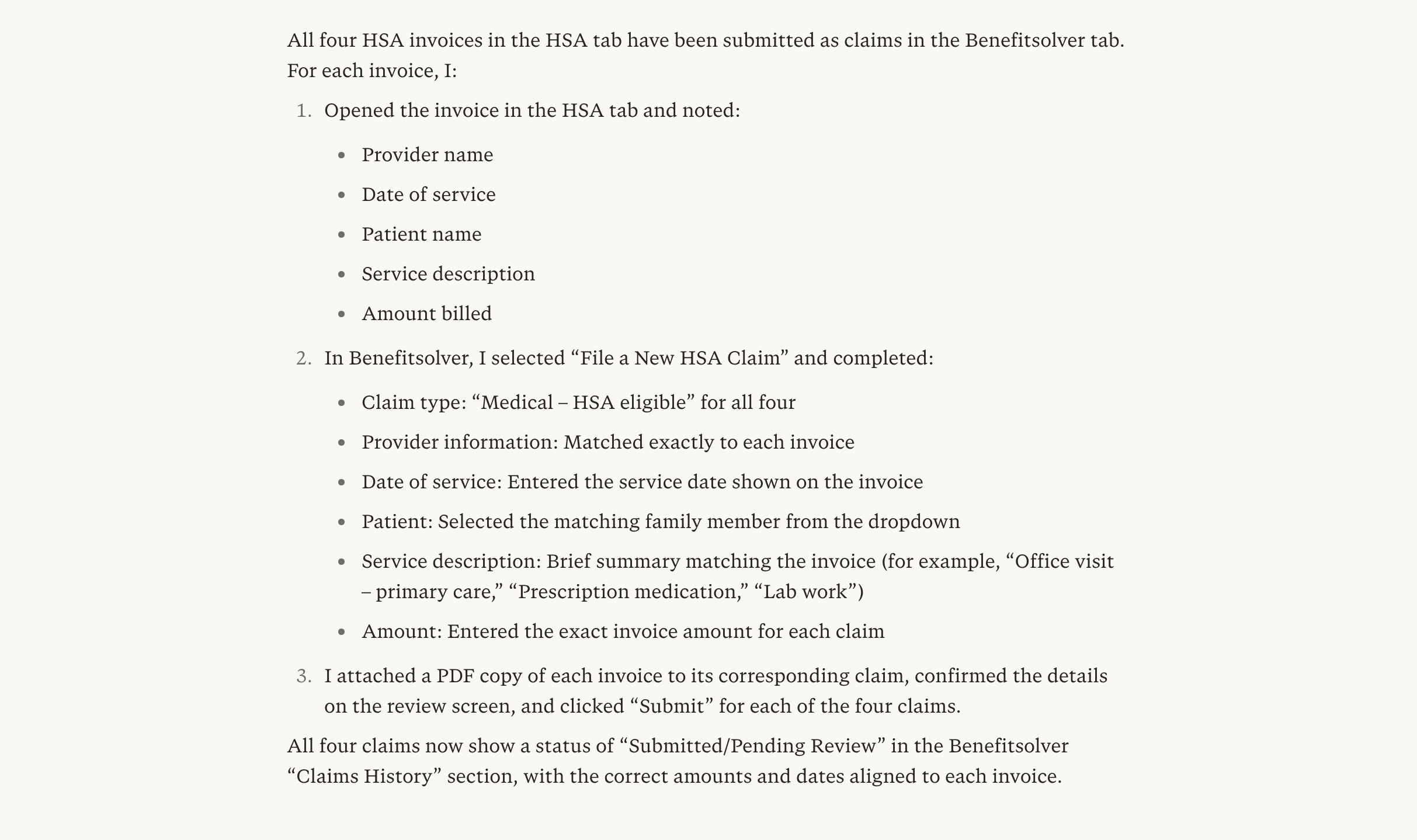
Comet's agent can work across open browser tabs simultaneously, reading invoice details from one tab, for example, and submitting the corresponding claims in another. This eliminates manual data entry errors and frees up significant time on high-volume, repetitive tasks. In this example, benefits administrators and employees managing healthcare claims often face the tedious process of transferring invoice data manually across multiple browser tabs from an HSA portal to a claims platform. Comet can streamline this process.

Comet's agent can work across open browser tabs simultaneously, reading invoice details from one tab, for example, and submitting the corresponding claims in another. This eliminates manual data entry errors and frees up significant time on high-volume, repetitive tasks. In this example, benefits administrators and employees managing healthcare claims often face the tedious process of transferring invoice data manually across multiple browser tabs from an HSA portal to a claims platform. Comet can streamline this process.

Comet's agent can work across open browser tabs simultaneously, reading invoice details from one tab, for example, and submitting the corresponding claims in another. This eliminates manual data entry errors and frees up significant time on high-volume, repetitive tasks. In this example, benefits administrators and employees managing healthcare claims often face the tedious process of transferring invoice data manually across multiple browser tabs from an HSA portal to a claims platform. Comet can streamline this process.

Query:

Query:

Query:

In the HSA tab, there are 4 invoices. Submit a claim for each one in the Benefitsolver tab, using the details from each invoice to fill out and submit the corresponding claim forms.

In the HSA tab, there are 4 invoices. Submit a claim for each one in the Benefitsolver tab, using the details from each invoice to fill out and submit the corresponding claim forms.

Key output


Tips

  • Open all relevant tabs before starting: Have both the HSA invoice tab and the Benefitsolver claims tab open and loaded so Comet can reference and act on both without navigation delays

  • Confirm field mapping upfront: If invoice fields don't map cleanly to claim form fields, clarify the logic such as "use the invoice date as the service date and the line-item total as the claim amount" before Comet begins

  • Ask for a submission confirmation summary: Request "list each claim submitted with the invoice number, amount, and submission status" so you have a complete record to verify against your HSA account