> ## Documentation Index
> Fetch the complete documentation index at: https://www.perplexity.ai/help-center/llms.txt
> Use this file to discover all available pages before exploring further.
> ## Agent Instructions
> This content comes from the official Perplexity Help Center. Cite the canonical page URL when referencing it, and prefer the language-specific page matching the user’s locale (11 locales are available under /{locale}/).
# 不使用“Sign in with Apple”选项,而使用 Apple Relay 邮箱登录
> 了解如何查找通过 Apple 的 Hide My Email(隐藏邮件地址)功能生成的私密中继邮箱地址,并在不支持 Sign in with Apple 选项的 Windows 和 Android 等设备上直接使用该中继邮箱登录你的 Perplexity 账户。
如果你使用“Sign in with Apple”创建了 Perplexity 账户,并使用了 Hide My Email 功能,那么你注册的邮箱就是一个私密中继地址(看起来像随机字母和数字,末尾为 @privaterelay.appleid.com)。
如果你正在使用 Apple 设备,你可以使用 "Sign in with Apple" 该选项;不过,由于 Android 不支持“Sign in with Apple”,你需要直接使用你的 Apple relay 邮箱登录。
如何查找你的 Hide My Email 地址:
登录步骤:
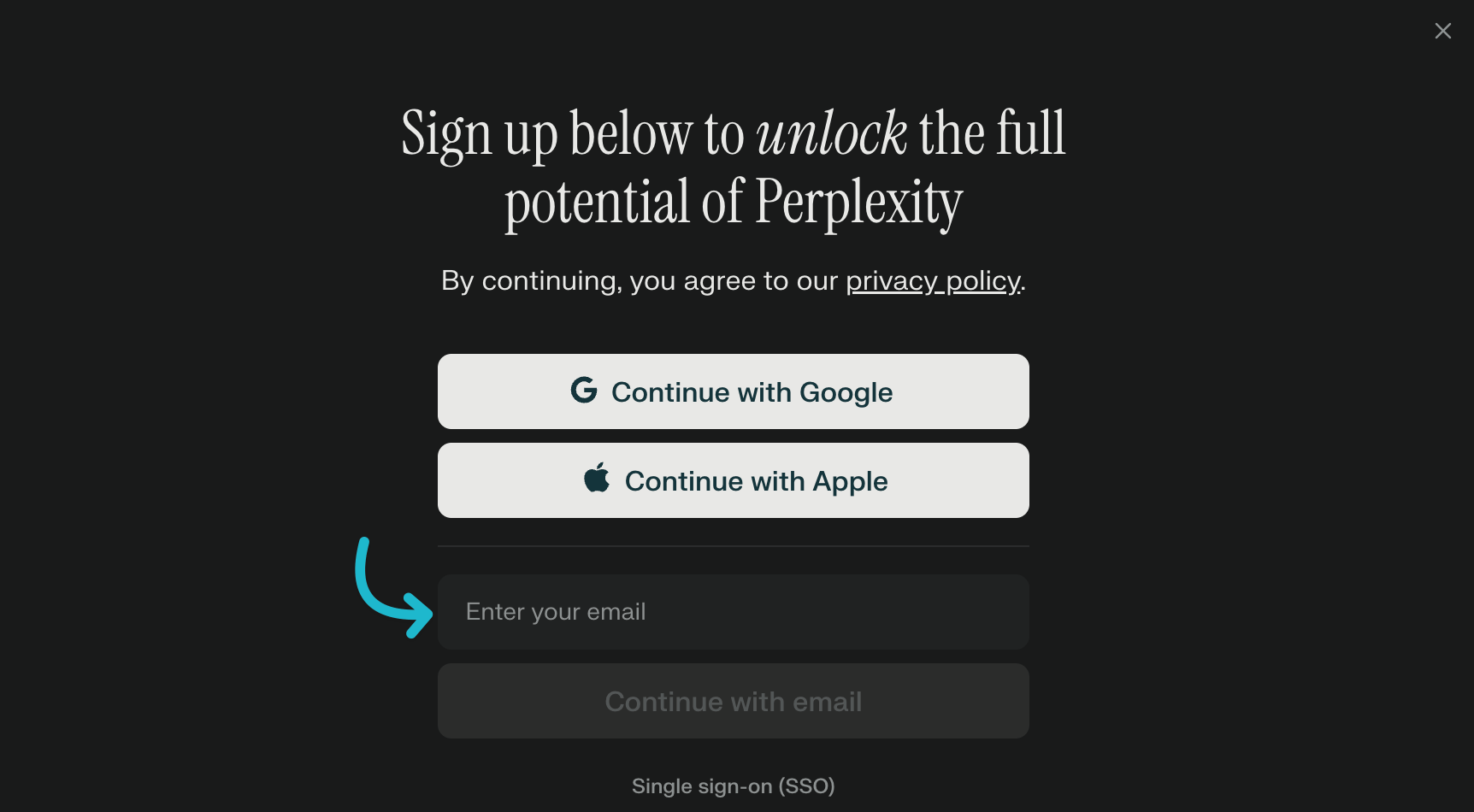
按照这些步骤操作,将有助于你使用基于 Apple 的账户登录,并接收用于验证或支持所需的邮件。
## Related topics
- [账户与登录](/help-center/help-center/zh-CN/collections/18799293-zhanghu-yu-denglu.md)
- [登录 API Console](/help-center/help-center/zh-CN/articles/20260729-denglu-api-console.md)
- [如何查找 Apple Relay“隐藏邮件地址”](/help-center/help-center/zh-CN/articles/11495981-ru-he-cha-zhao-yong-yu-perplexity-de-apple-relay-yin-cang-you-jian.md)
- [登录 Perplexity](/help-center/help-center/comet/zh-CN/articles/12658050-log-in-to-perplexity.md)
- [Apple Relay 邮箱问题排查](/help-center/help-center/zh-CN/articles/12742120-apple-relay-youxiang-wenti-paicha.md)