> ## Documentation Index
> Fetch the complete documentation index at: https://www.perplexity.ai/help-center/llms.txt
> Use this file to discover all available pages before exploring further.
> ## Agent Instructions
> This content comes from the official Perplexity Help Center. Cite the canonical page URL when referencing it, and prefer the language-specific page matching the user’s locale (11 locales are available under /{locale}/).
# 시크릿 모드 문제 해결
> 이 문서에서는 Incognito 모드 종료 방법 및 누락된 파일 찾기를 포함하여 Incognito 모드와 관련된 일반적인 문제 및 해결 방법을 다룹니다.
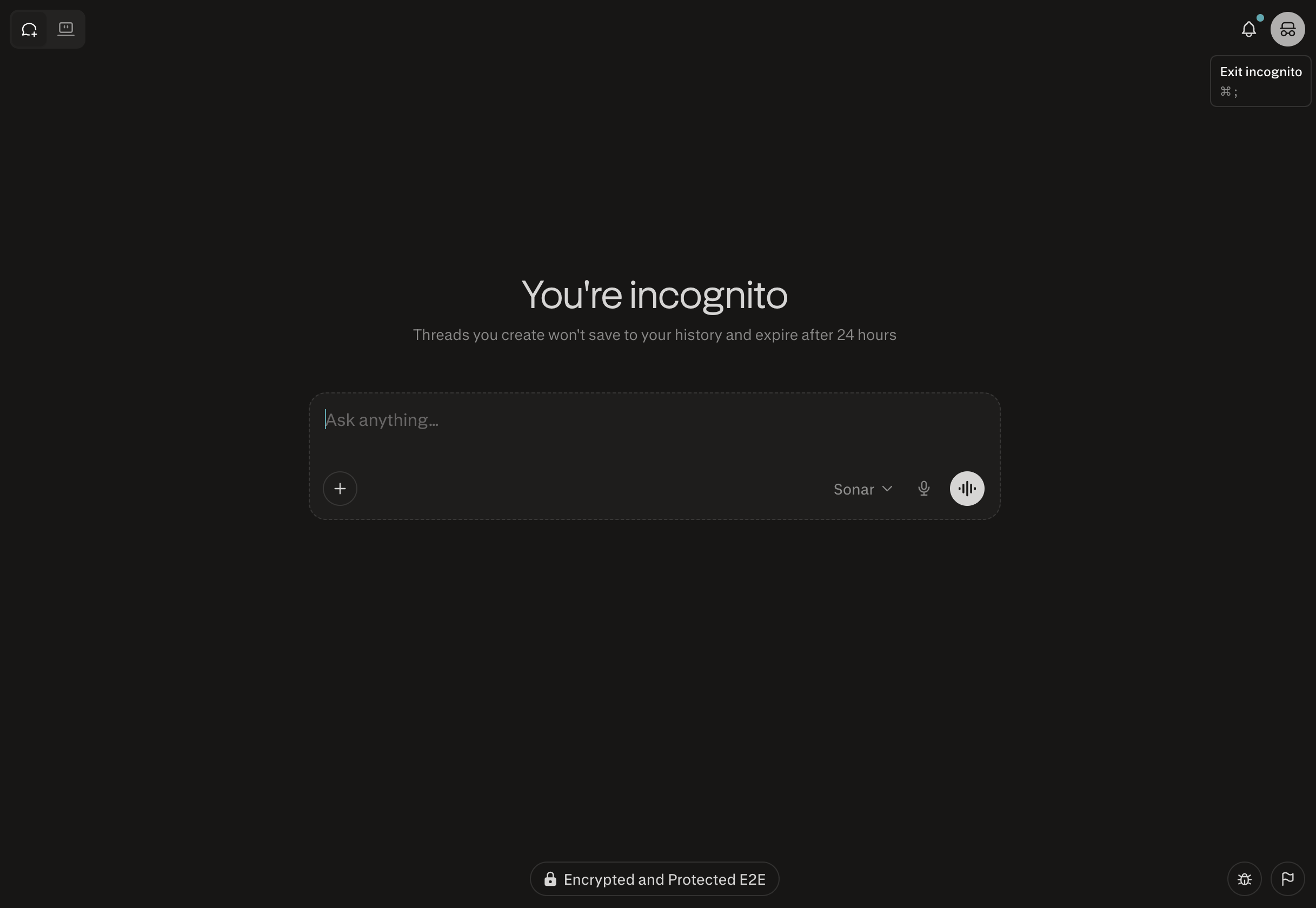
시크릿 모드를 종료하는 방법은 무엇인가요?
우측 상단의 시크릿 모드 아이콘을 클릭하여 수행할 수 있습니다.
시크릿 모드에서 제 모든 파일이 보이지 않나요?
브라우저의 방문 기록으로 직접 이동하여 파일을 찾을 수 있습니다: [https://www.perplexity.ai/library](https://www.perplexity.ai/library)
시크릿 세션은 어떻게 되나요?
모든 시크릿 세션은 24시간 이내에 만료되며 복구할 수 없습니다.
