> ## Documentation Index
> Fetch the complete documentation index at: https://www.perplexity.ai/help-center/llms.txt
> Use this file to discover all available pages before exploring further.
> ## Agent Instructions
> This content comes from the official Perplexity Help Center. Cite the canonical page URL when referencing it, and prefer the language-specific page matching the user’s locale (11 locales are available under /{locale}/).
# シークレットモードのトラブルシューティング
> この記事では、シークレットモードの一般的な問題と解決策について説明します。シークレットモードを終了する方法や、消えたファイルを見つける方法などをご紹介します。
シークレットモードを終了するにはどうすればよいですか?
右上のシークレットモードアイコンをクリックしてください。
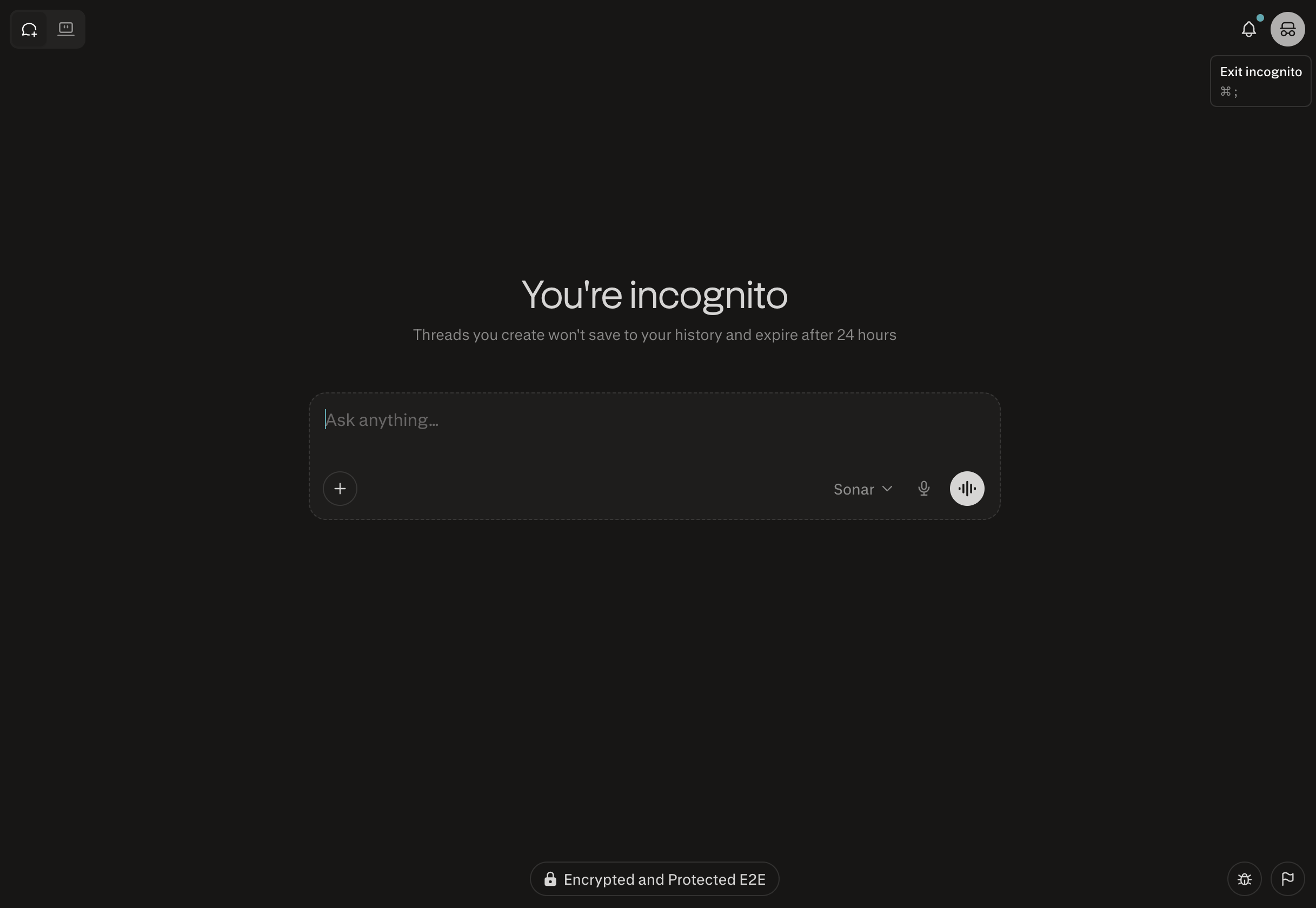
シークレットモードでファイルがすべて表示されないのはなぜですか?
ファイルは、ブラウザの履歴から直接確認できます:[https://www.perplexity.ai/library](https://www.perplexity.ai/library)
シークレットセッションはどうなりますか?
すべてのシークレットセッションは24時間以内に期限切れとなり、復元できません。
