> ## Documentation Index
> Fetch the complete documentation index at: https://www.perplexity.ai/help-center/llms.txt
> Use this file to discover all available pages before exploring further.
> ## Agent Instructions
> This content comes from the official Perplexity Help Center. Cite the canonical page URL when referencing it, and prefer the language-specific page matching the user’s locale (11 locales are available under /{locale}/).
# Incognito Mode Troubleshooting
> This article covers common issues and solutions for Incognito mode, including how to exit incognito and locate missing files.
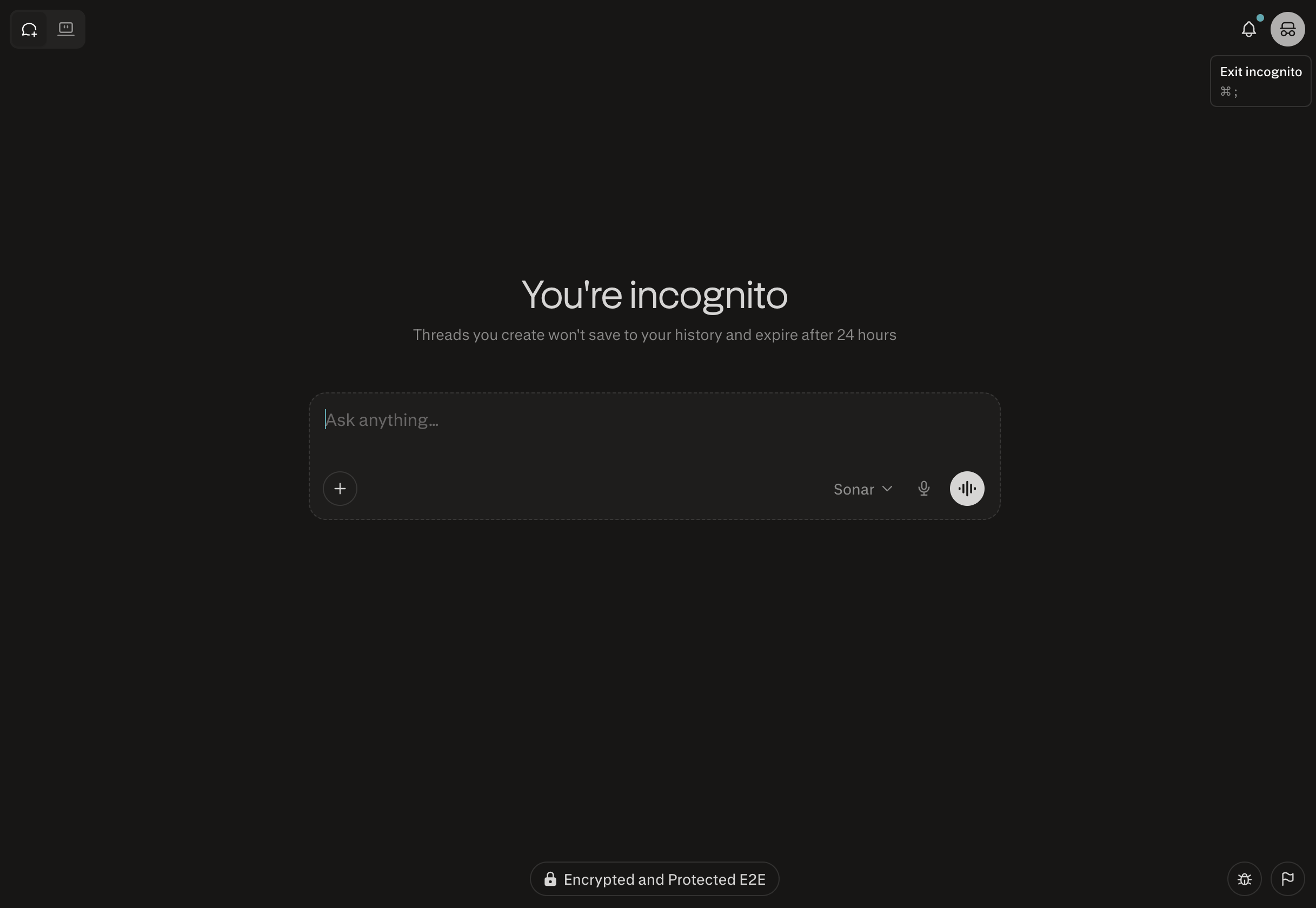
How do I exit out of incognito mode?
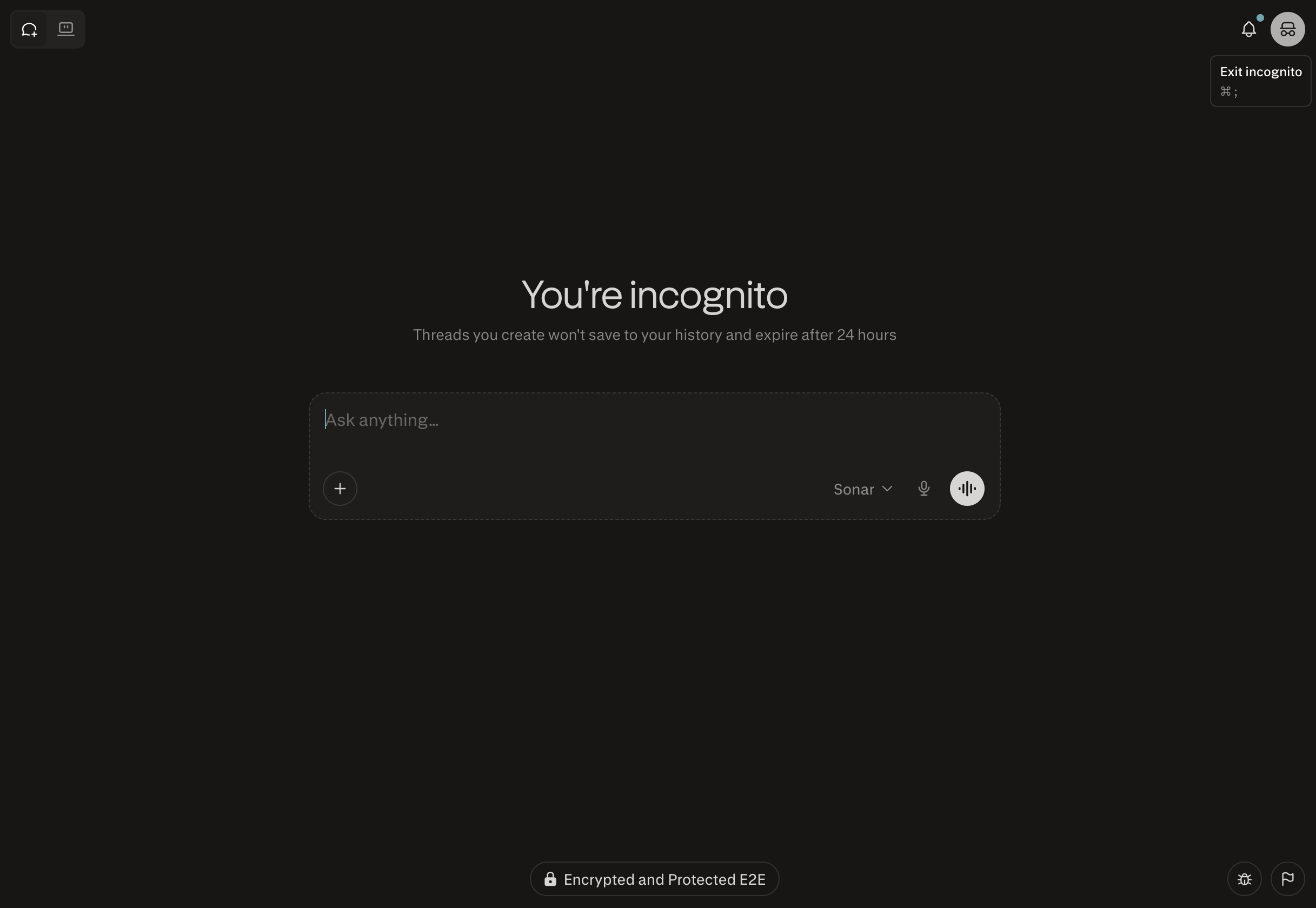
You can do so by clicking the incognito mode icon on the top right.
I don't see all my files in incognito mode?
Your files can be found by going directly to your history on your browser: [https://www.perplexity.ai/library](https://www.perplexity.ai/library)
What happens to my incognito sessions?
All incognito sessions expire within 24 hours and are not recoverable.