Price alerts, Earnings hub, and Morningstar research

Price Alerts
From asset pages or the Perplexity Finance homepage, you can now create price alerts.
Whenever an asset hits a target price or intraday movement threshold that you specify, we'll run a customizable query for you, and send you an email or push notification.
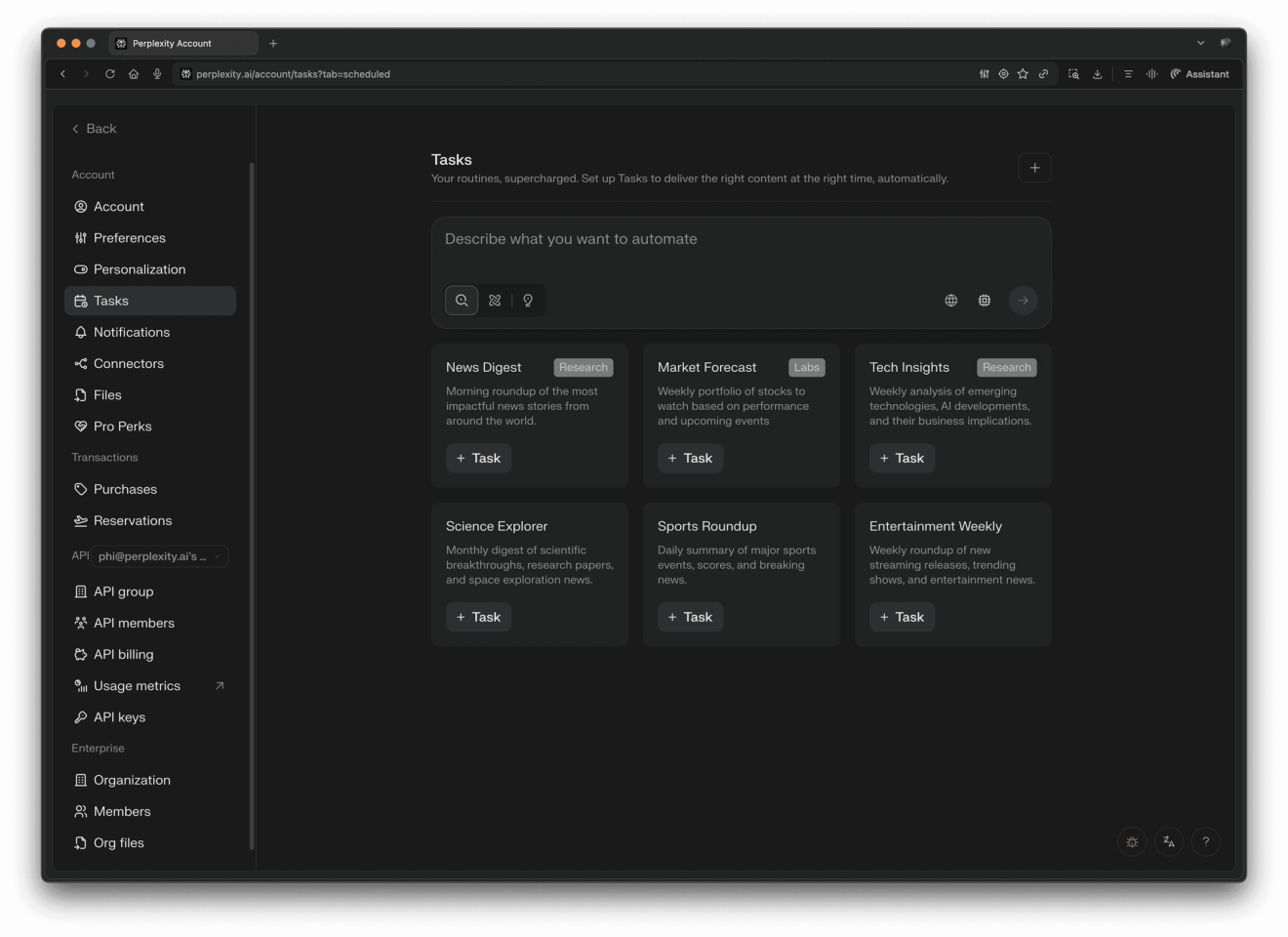
Price alerts are part of our Tasks product — you can manage all of your tasks and price alerts from the Tasks page.
This feature is available to some users, rolling out gradually to everyone.
Earnings Tab on Finance Homepage
We've added an Earnings hub to the finance homepage, including a calendar view and instant synthesis of earnings calls while they're happening.
Morningstar Research
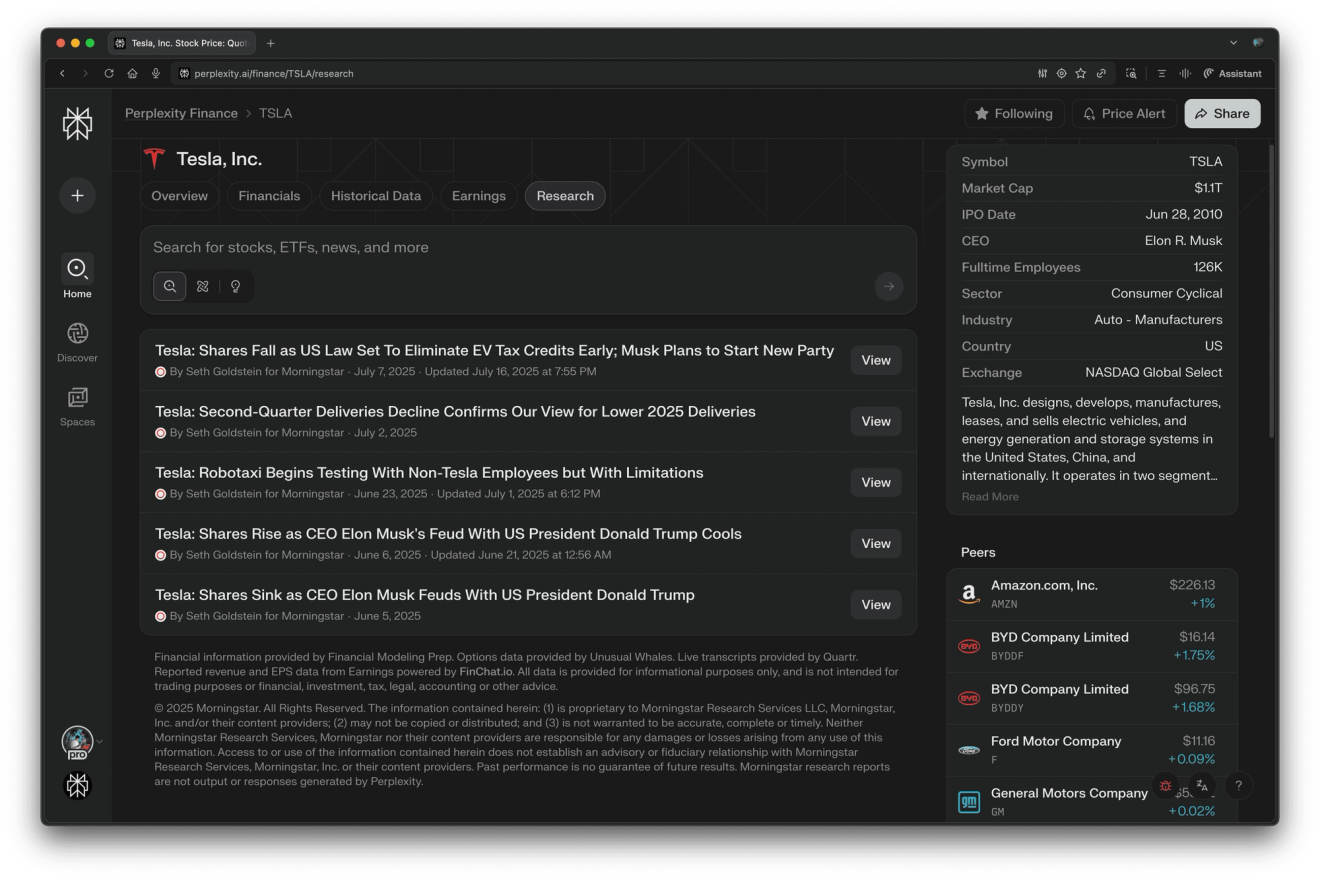
From US equity pages like Tesla, visit the new Research tab for free access to premium Morningstar analyst research reports.
Financial Statement Insights
Each company's financials section on Perplexity Finance now includes automated insights about the table you're viewing.
Crypto Price History
On any crypto page, visit the new Historical Data tab to download price and volume data.
COIN50 Data
As part of a new partnership with Coinbase, we now feature COIN50 graphs on the Perplexity Finance homepage. The Coinbase 50 Index (COIN50) is like the S&P or Dow for crypto -- a reliable way to track the crypto market overall. The Standouts section highlights notable movers among the COIN50 constituent coins, including a quick explanation of why that coin is moving today.
Discover Upgrade on Web
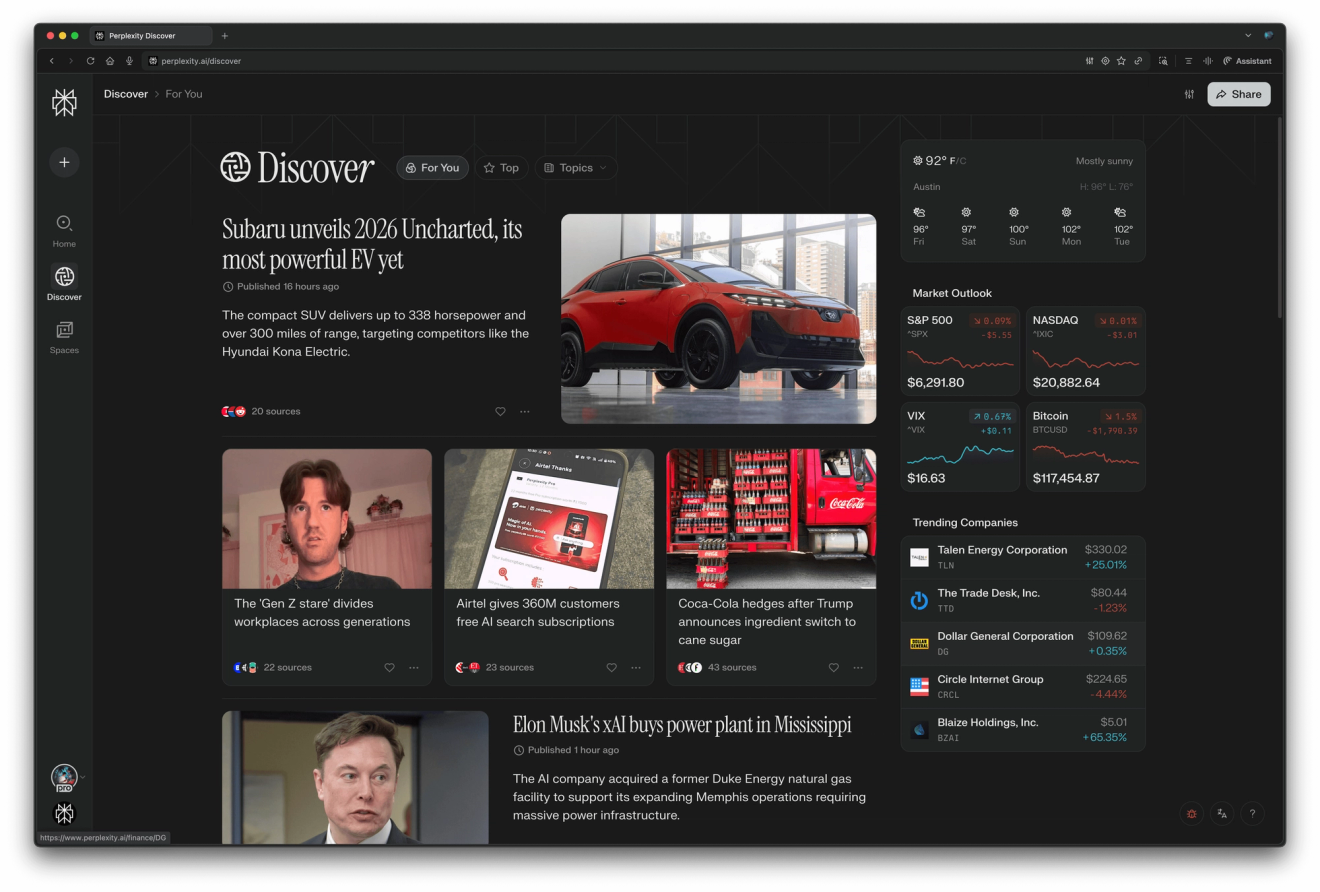
Revamp of Discover on web positions it to be your new front page for what’s happening in the world. Navigate the top global stories across tech, finance, sports and entertainment while quickly getting a sense of the markets and weather. More to come.
Movies and TV Shows on Web
Discover your next movie or TV show on Perplexity with everything you need— direct streaming links, trusted ratings, and cast details. Search simple queries like “What to watch tonight” or get answers to complex ones like “Movie where a guy ages backwards”.
Places on iOS
Discover places with a map-first, visually rich experience on Perplexity. Browse photos, check hours, and read reviews—all in one experience. Search for anything from “Best barber shops near me” to “Trendy sushi spot in SoHo open late for a birthday dinner.”
Inline Cards for Hotels on iOS
See hotel recommendations with photos, key details, and quick actions—right inside the answer with inline cards on iOS.
WNBA
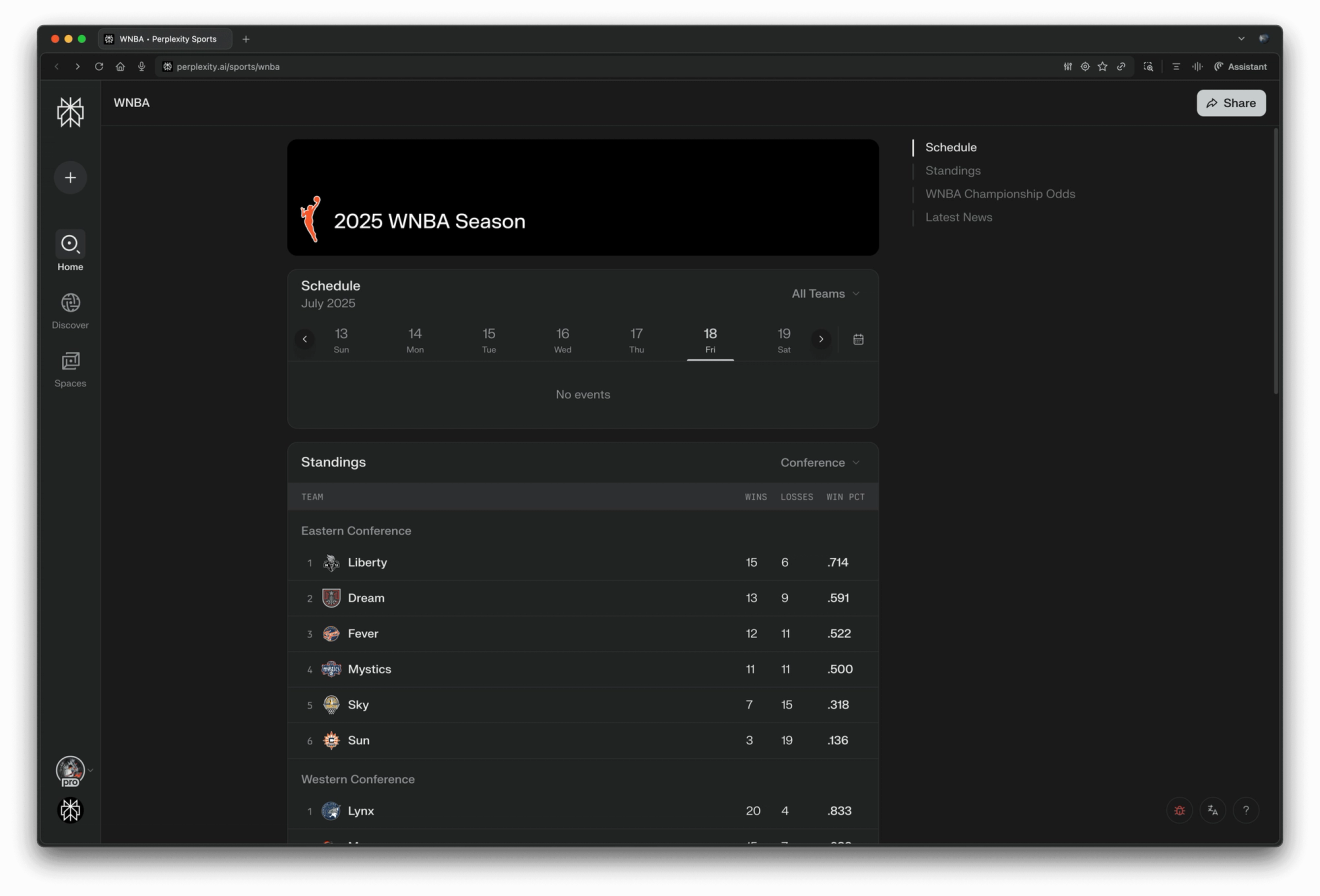
Follow WNBA teams from your sports watchlist to get push notifications and iOS live activity widgets during every game. Visit the WNBA league page to see upcoming games, team-by-team odds, and news from around the league.
Faster Space Creation
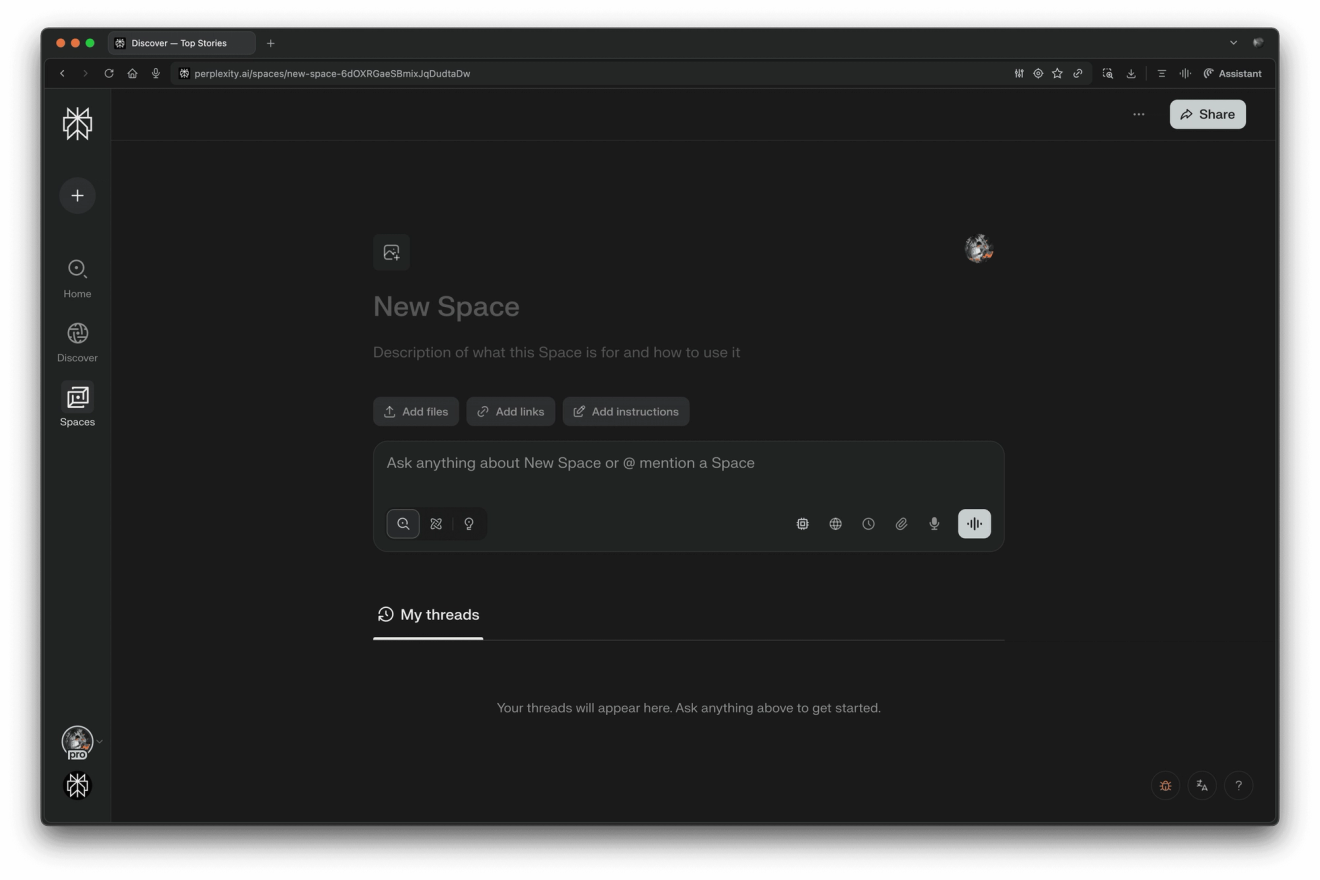
Creating a new Space is now simpler and more streamlined. All customization options are available upfront. Set answer instructions, sources, and collaborators to tailor Perplexity to your specific workflow.
You can easily update the title, description, and emoji by clicking on them, and manage custom instructions, files, and links within the context section of your Space.
Faster File Attachments
Asking questions about a file is now much faster. When you attach a file such as PDF to your thread, we process your file more quickly and show a progress indicator, which is especially helpful when uploading a large amount of files. You can attach up to 30 files, with a maximum size of 50MB per file.
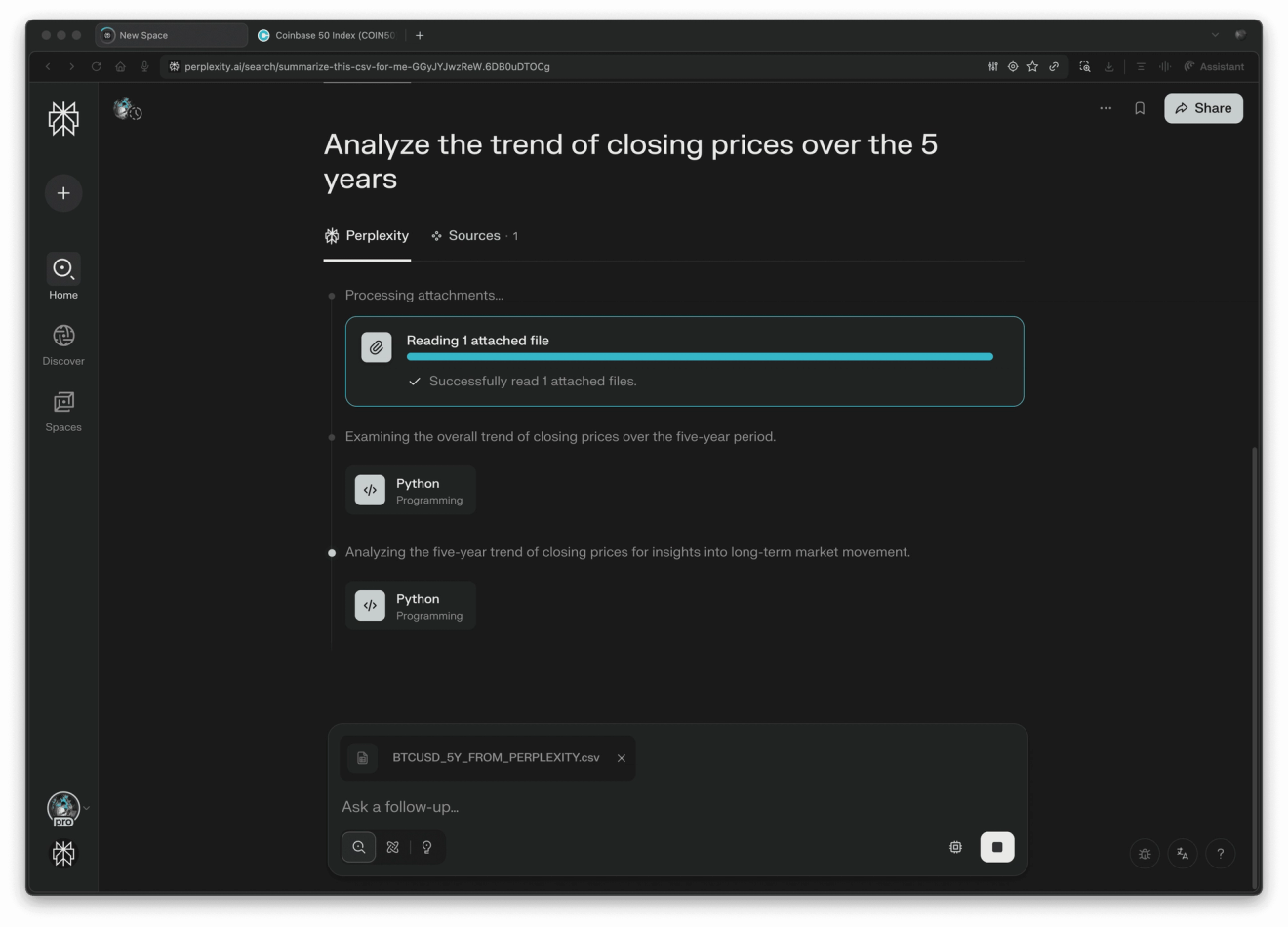
Labs, Sources, and Models in Tasks
Tasks now allows you to set up recurring Labs projects, choose your sources and even set weekday schedules (for tasks you want to only run Monday through Friday). Result emails are optimized to let you see a summarized version of the response for when you’re on the go.
Memory in Search Steps
Memory and conversation history have been added to the chain of thought, so you’ll be able to see when memory or conversation history is used more easily.
More to come next week! Stay curious.